Genus G1 MARK II Users Manual
UM3010-2
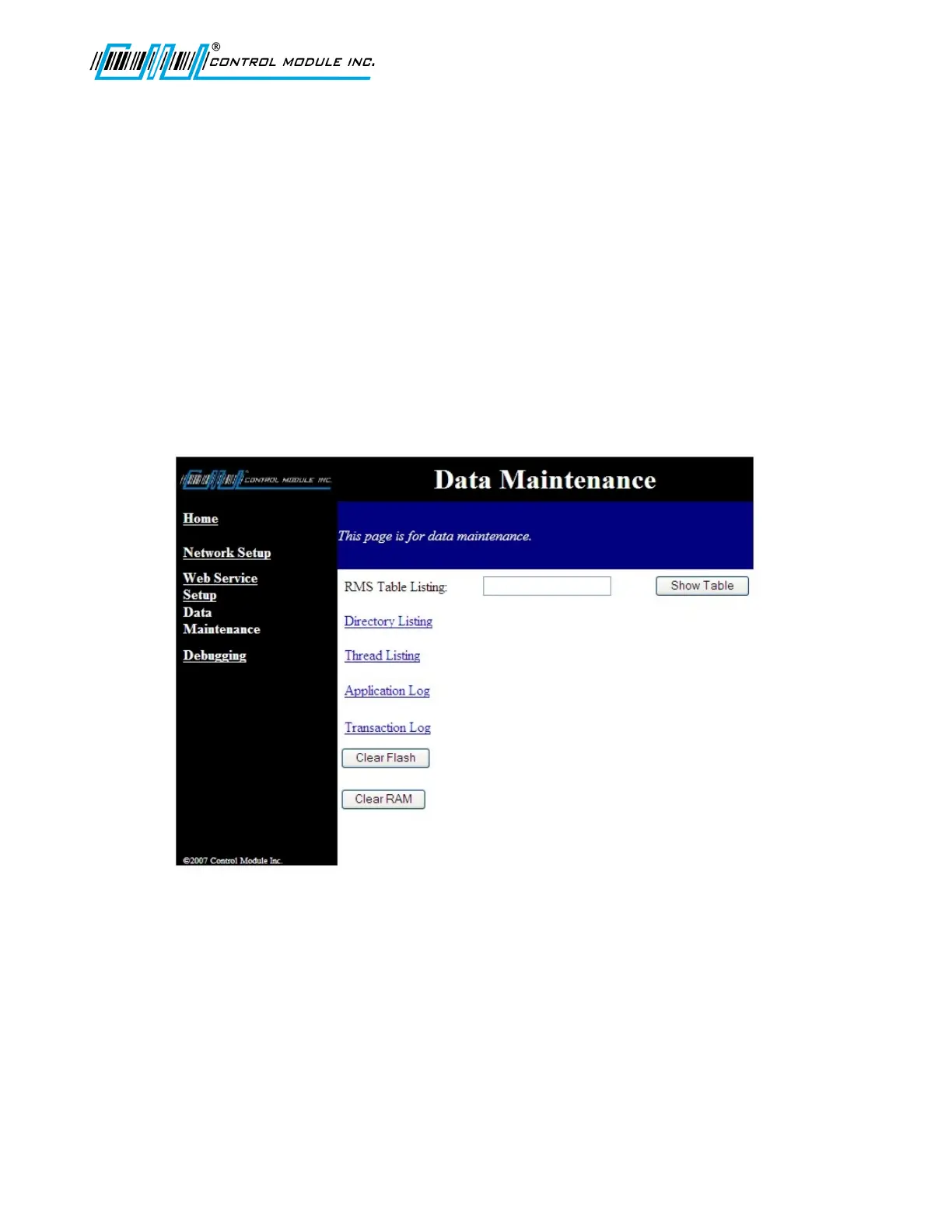
Data maintenance
The data maintenance screen provides directory browsing and Record Management System
(RMS) browsing that would generally be used for support or development. The following
pages provide sample screen shots for Directory Listing, Thread Listing, Application Log, and
the Transaction Log.
RMS Table Listing
The RMS Table Listing is located on the ‘\flashdisk’ and provides access to data tables that
are setup by user applications.
The data field adjacent to RMS Table Listing is for the table name and is case sensitive. If a
large table is requested it may take a few minutes to load. Select ‘Show Table’ once the
table name has been filled in.
Clear Flash
This will clear the ‘\flashdisk’ on the terminal erasing everything except Classes.jar, App.jar,
Genus App, Lib1.jar, Lib2.jar, and Lib3.jar. This is also available in the Offline Setup mode of
the Terminal. A warning message for loss of data will display if the Clear Flash button is
selected.
Revision B 10-30-07 49



 To Next Page