Genus G1 MARK II Users Manual
UM3010-2
Clear RAM
This will clear the ‘\ramdisk’ on the terminal, typically erasing transaction data.
A warning message for loss of data and transactions will display if the Clear RAM button is
selected.
Note: After a ‘Clear RAM’ the Terminal requires a reboot to complete the process.
Directory Listing
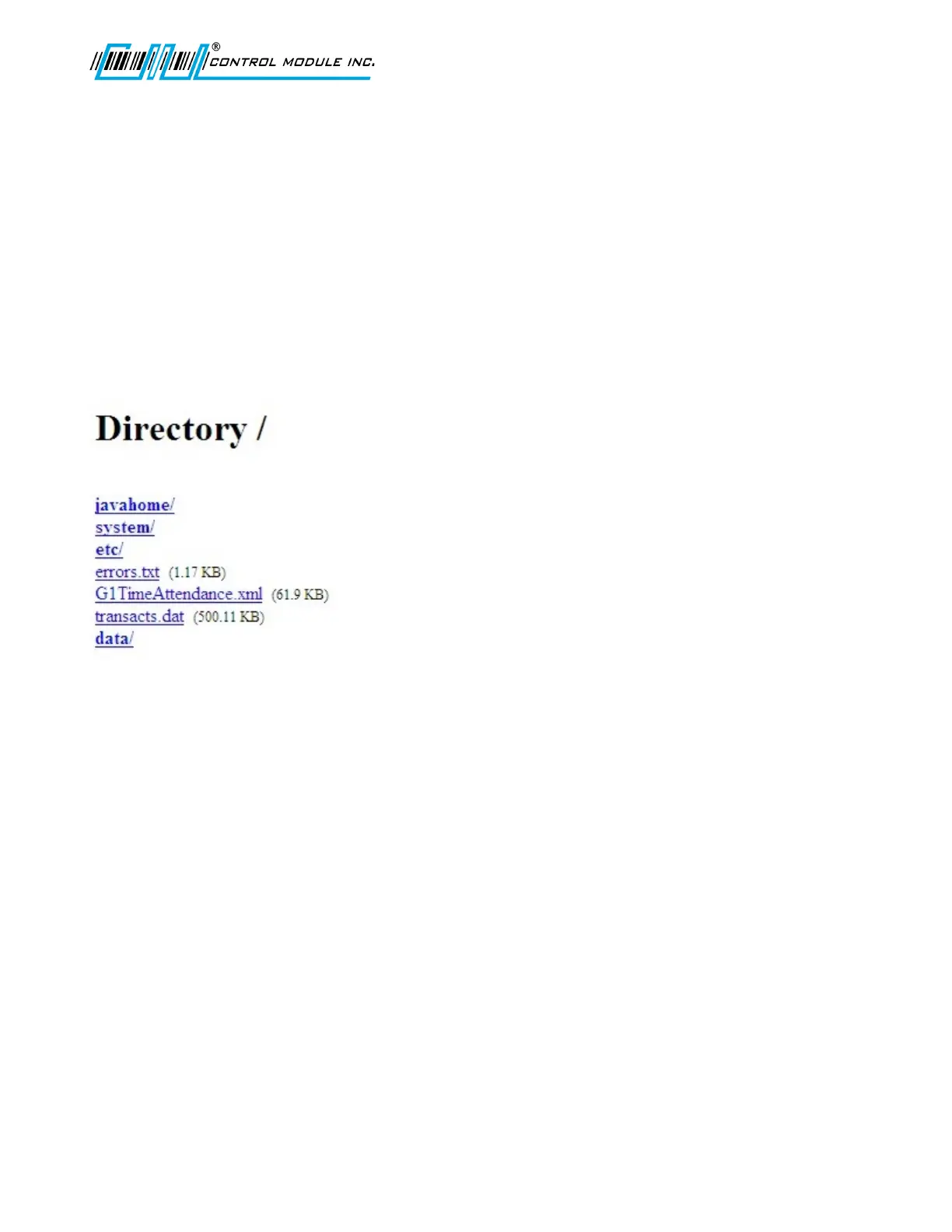
The Directory listing allows you to view files and directories that currently reside in the
‘\ramdisk’ on the terminal. This is a sample directory your directory list may differ.
Revision B 10-30-07 50



 To Next Page