Plato Complete Guide V1.3.0
Convert Technologies 22
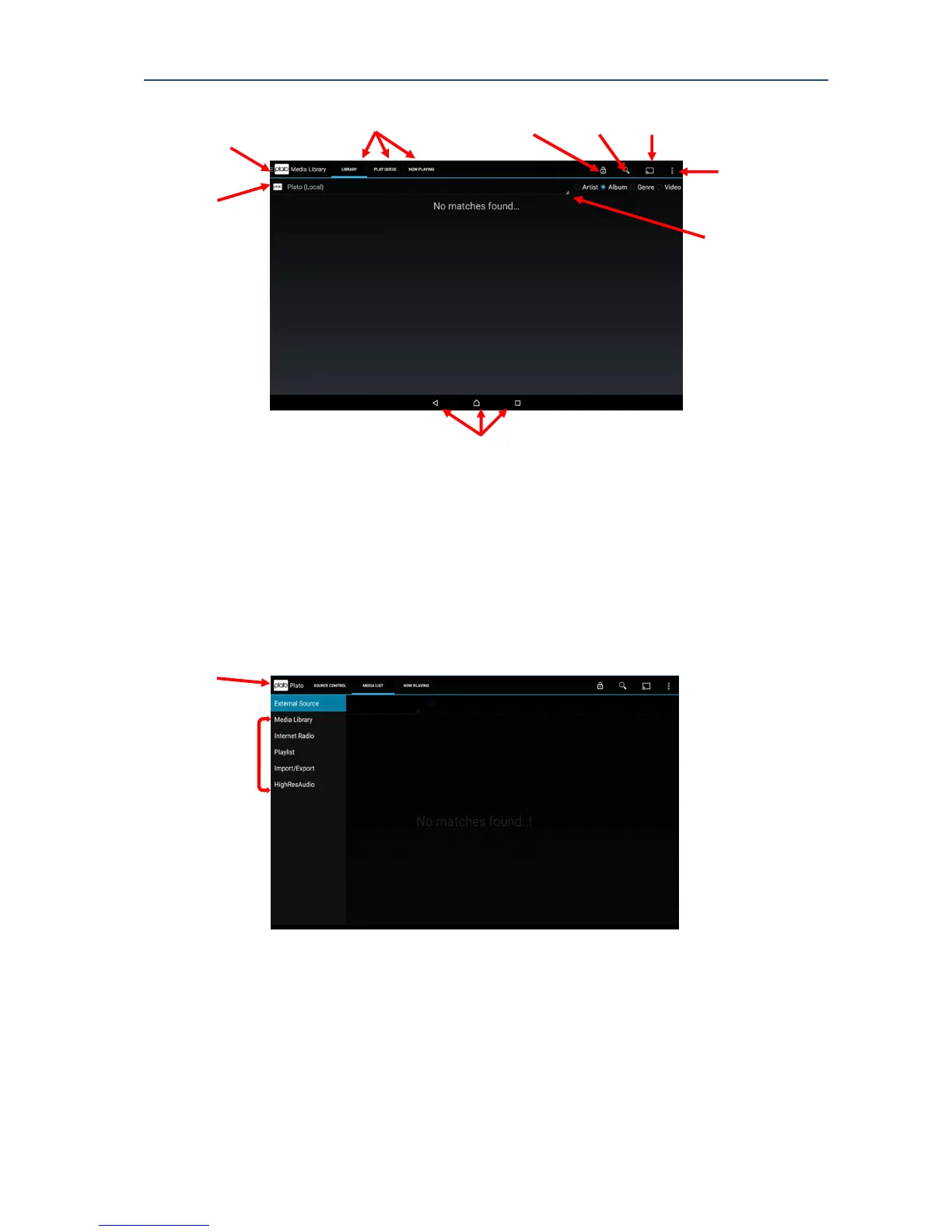
Position of the standard Android control may vary according to device.
The Advanced Menu Options will be discussed later in this manual.
3.3.1. The Plato Main Drawer Feature Menu
Select the Plato logo in the top left hand corner of the display to show the Main Drawer
Feature Menu.
The Main Feature Drawer provides access to Plato’s individual operations.
Each feature option can be activated by selecting its entry in the menu drawer. Once
selected the feature contains 3 tab-pages to provide configuration control and feedback
about what the device is doing. Each tab shows a different screen, and can be selected by
touching the tab title at the top of the screen.



 To Next Page