Plato Complete Guide V1.3.0
Convert Technologies 81
16. Advanced Media Library editing options
There are a variety of editing options available to modify META data tags in your Media
Library.
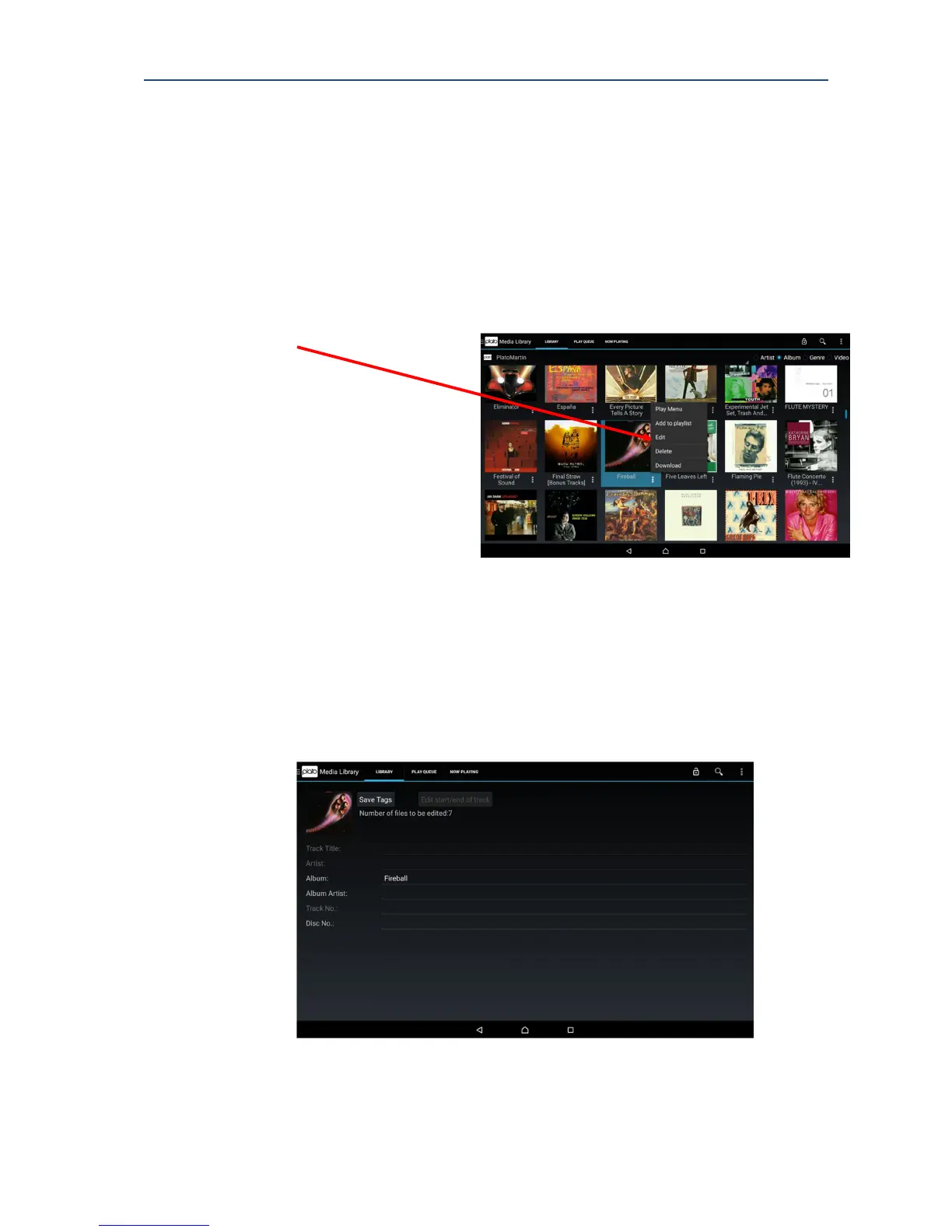
For all options, you must choose the Edit option for a song or album.
To access the edit menu for basic editing of song or album details
1. Press the More Options icon (three vertical dots) next to the track or album you wish to
edit.
2. Select Edit from the pop up menu.
Song/Album details are displayed.
You can select non-greyed out data and then use the Android keypad to change details.
Note: You can edit ALL tags if you selected a single track but only album specific tags if
you selected an album.



 To Next Page