Plato Complete Guide V1.3.0
Convert Technologies 61
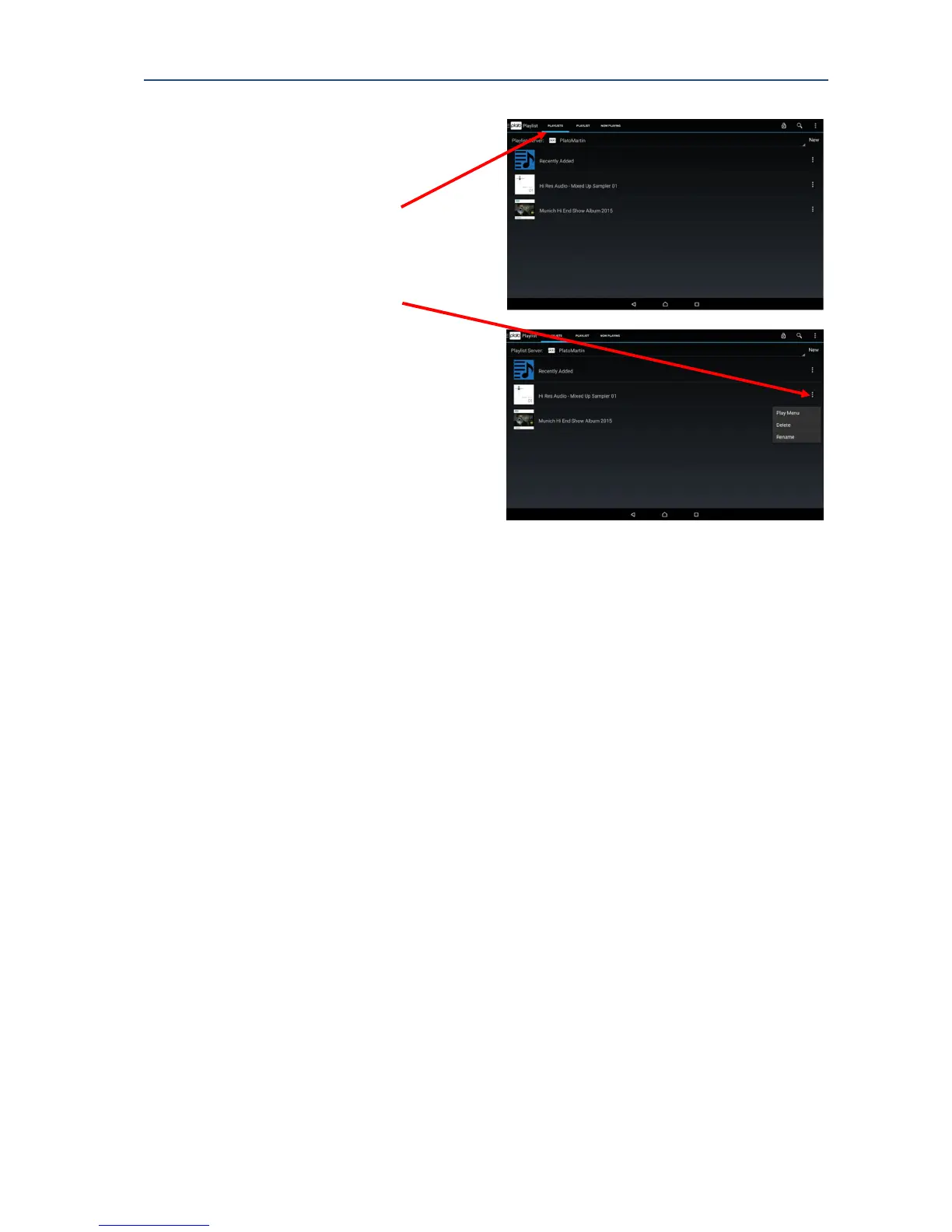
10.2. To Play a Playlist
1. From the Main Drawer Feature Menu,
select Playlist.
2. Select the PLAYLISTS tab.
3. Choose a Playlist to play back, and
commence playback using Long press
on the playlist background, or opening
the More Options menu.
4. Complete the action from the Play
Now dialog as described previously.
10.3. Recently Added playlist
The recently added playlist provides a list of recently added, or recorded, tracks in the order
they were added or recorded. This list can be useful in finding new tracks, especially if some
of the tags need to be modified after recording.
The number of entries stored in the Recently Added playlist can be tailored using the
Settings option in More Options menu.



 To Next Page