Plato Complete Guide V1.3.0
Convert Technologies 73
13. Accessing HighResAudio content
The HighResAudio feature (located within the main drawer feature menu) provides a
convenient way of browsing and downloading high resolution content from the
HighResAudio website.
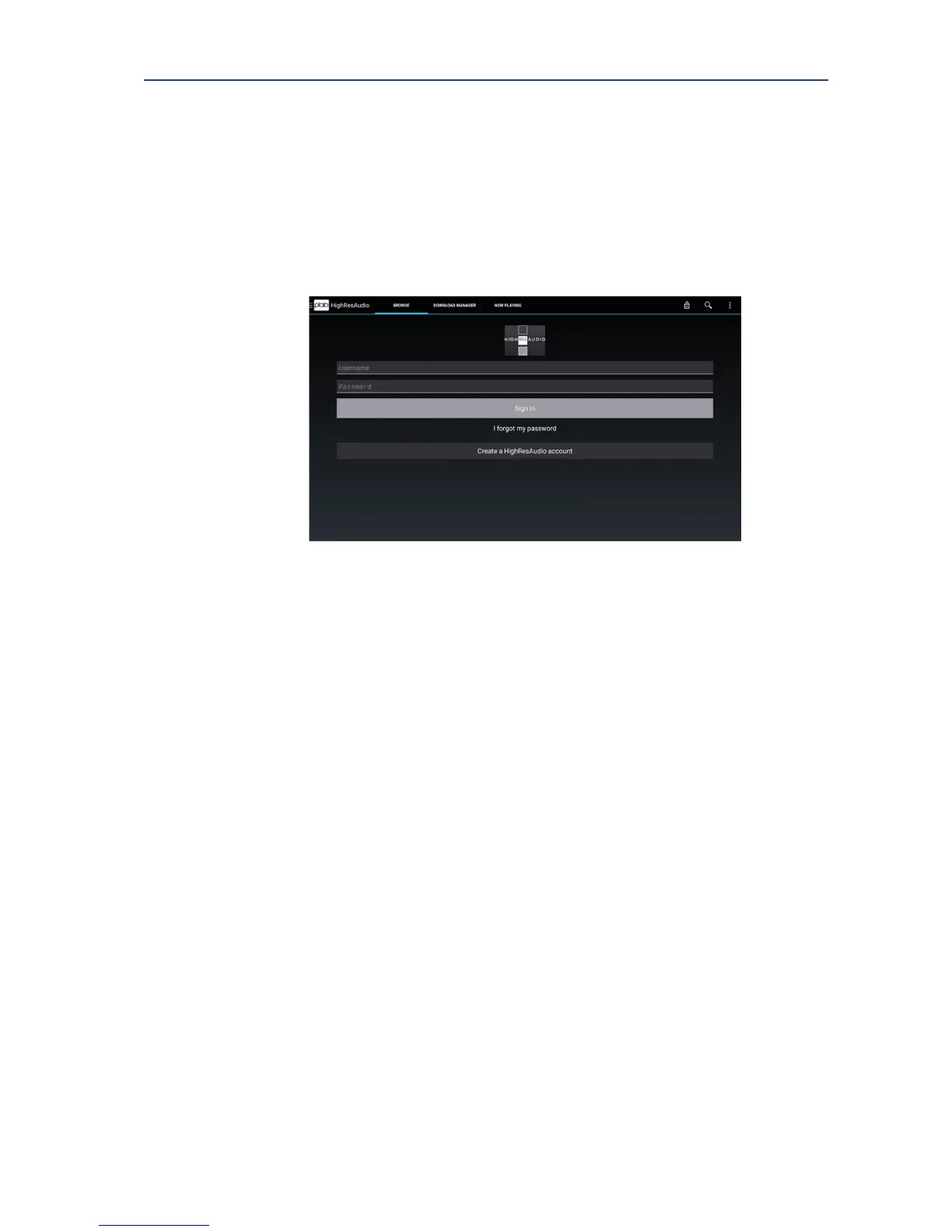
Initially the BROWSE tab will show a login screen. If you have an account setup enter your
login details and select Sign In.
If you do not have an account, the bottom of the login screen has a link to create a new, free
account. This account registration can also be completed using your pc or tablet by directly
accessing www.hiresaudio.com.
Once you have logged in once, Plato will remember your login details and automatically log
you in next time you access this feature (unless you choose to logout from the previous
session).
Now the BROWSE tab will show the HighResDownloads webpage where you can browse
their content. From this page it is also possible to go through the site checkout and purchase
new material.
Once you have purchased new material it is possible to download it direct to Plato using the
DOWNLOAD MANAGER tab. Note that registration can be done via a PC using a full sized
keyboard for ease of use.
13.1. Download manager
The DOWNLOAD MANAGER shows a list of all items purchased and provides controls to
enable download direct to your Plato device.
Choose the material you wish to download from the list, and select Download. You can
download individual tracks or complete albums depending on the content you have
purchased.
This will display the download dialog control.



 To Next Page