Plato Complete Guide V1.3.0
Convert Technologies 75
14. Advanced menu options
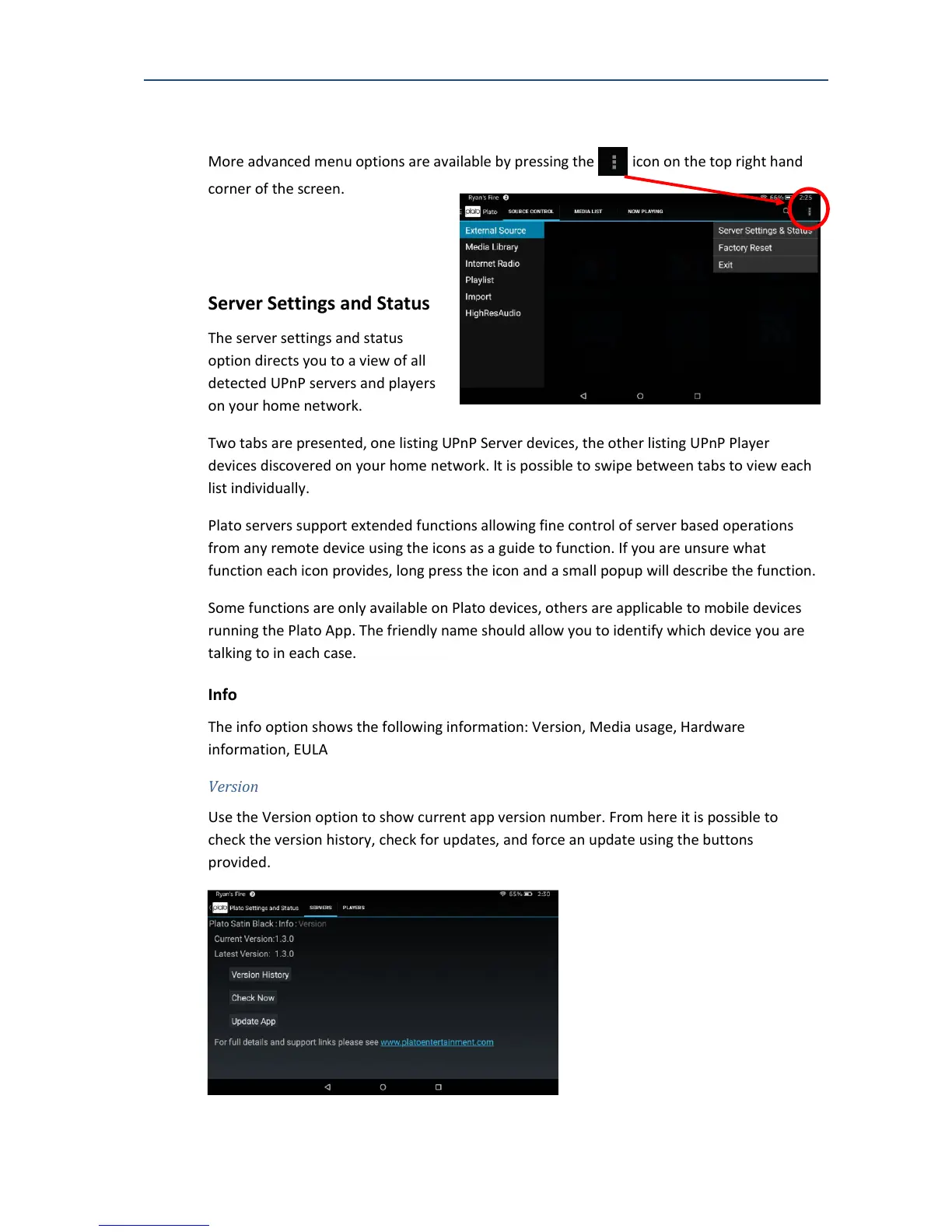
More advanced menu options are available by pressing the icon on the top right hand
corner of the screen.
14.1. Server Settings and Status
The server settings and status
option directs you to a view of all
detected UPnP servers and players
on your home network.
Two tabs are presented, one listing UPnP Server devices, the other listing UPnP Player
devices discovered on your home network. It is possible to swipe between tabs to view each
list individually.
Plato servers support extended functions allowing fine control of server based operations
from any remote device using the icons as a guide to function. If you are unsure what
function each icon provides, long press the icon and a small popup will describe the function.
Some functions are only available on Plato devices, others are applicable to mobile devices
running the Plato App. The friendly name should allow you to identify which device you are
talking to in each case.
14.1.1. Info
The info option shows the following information: Version, Media usage, Hardware
information, EULA
Version
Use the Version option to show current app version number. From here it is possible to
check the version history, check for updates, and force an update using the buttons
provided.



 To Next Page