Plato Complete Guide V1.3.0
Convert Technologies 50
Play now
Inserts this track (or tracks) at the end of the current play
queue, and begins to play the selected track immediately.
Play next
Inserts this track (or tracks) after the current playing track, and
begins playing once the current playing track has finished.
Add to queue
Add this track (or tracks) to the end of the current play queue.
8.2. Using media Search
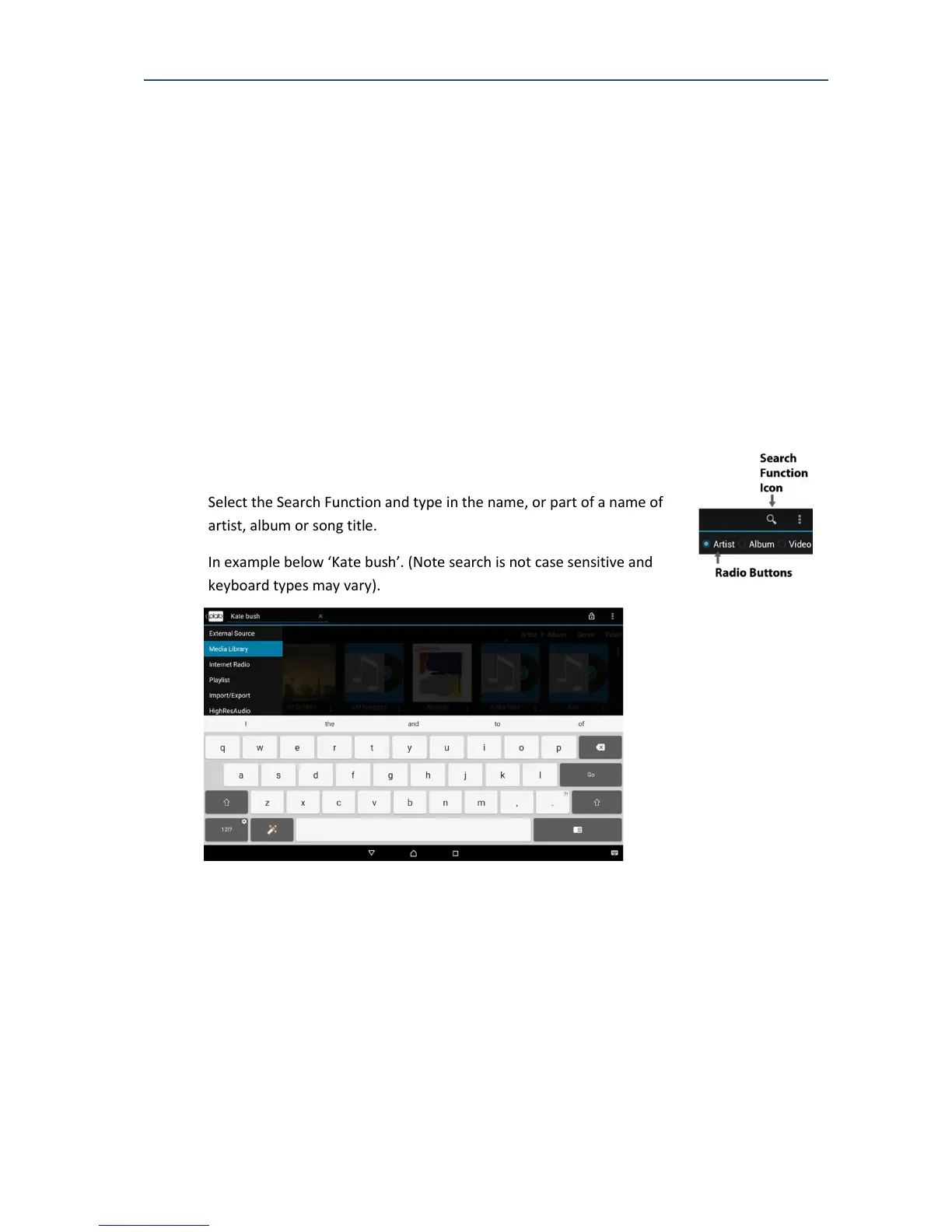
When the Media Library feature is selected, the search icon can be used to search the
selected server for specific material. The search is text based and returns matches based on:
• Artist name
• Album name
• Track name
Select the Search Function and type in the name, or part of a name of
artist, album or song title.
In example below ‘Kate bush’. (Note search is not case sensitive and
keyboard types may vary).



 To Next Page