Plato Complete Guide V1.3.0
Convert Technologies 96
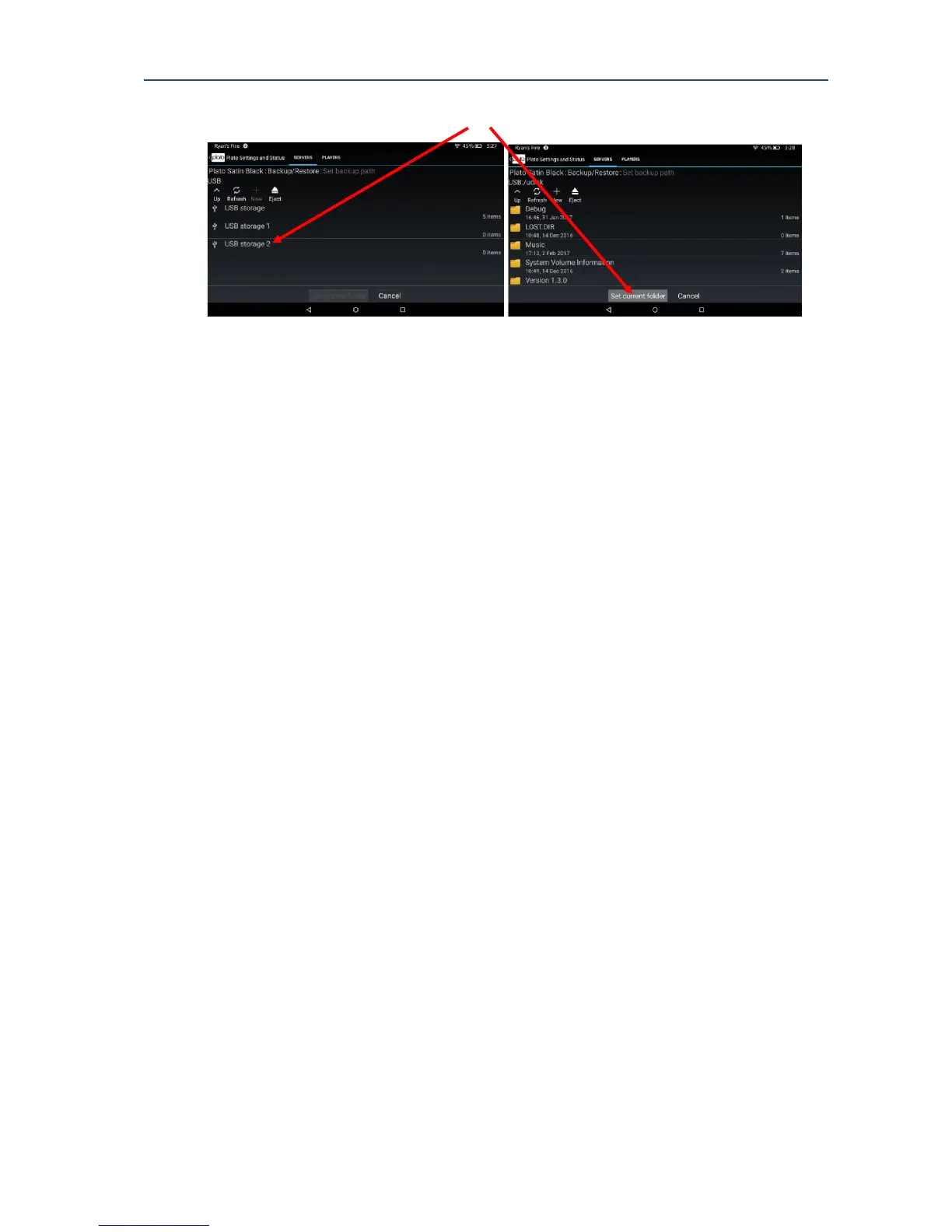
Configure the backup path to set the location for your backup copy.
If you would like to ensure your backups run automatically, configure the backup schedule,
and enable Scheduled Backup using the slider.
Alternatively, you can choose to backup manually by selecting Backup Now.
Once the schedule (or Backup Now) has been activated tick the appropriate check boxes to
run backups on music, movies and image data as required.
17.3. Restoring data from a backup copy
To restore your data from a previous backup, ensure your previous backup drive is
connected to Plato and turned on. Then check the backup path is correctly configures to
point to the folder containing the backup data. Now select either Restore All, or Partial
Restore.
Restore all will attempt a restore of all data from the last complete backup. It will re-install
all data from the backup location to your Plato system. Note that if your Plato system already
contains files with the same name (maybe some of your data is still available), you will be
asked whether you would like to overwrite with backup data, or keep the current version on
Plato.
Note that a full system restore could take a long time to complete.



 To Next Page