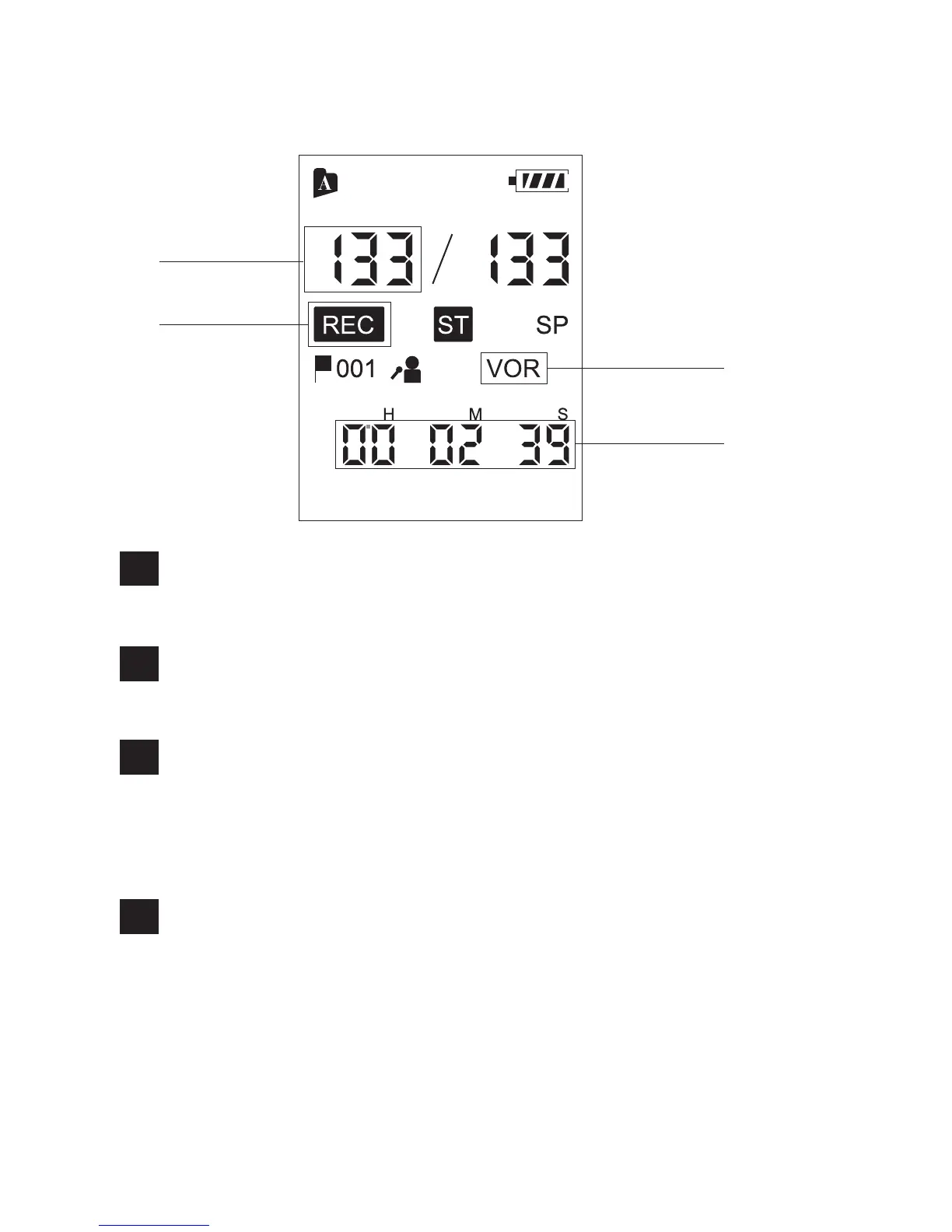
Display when recording
File number indicator
Displays the file number you are recording.
1
Recording indicator
Appears while the Coredy recorder is recording.
2
VOR (Voice Operated Recording) indicator
Appears while the Coredy recorder is recording with
the VOR function.
You can set “VOR” to “ON” in the menu.
3
Counter indication
Displays the following file information. You can
switch the display mode by pressing MENU briefly:
Elapsed time -> Remaining time (with “REMAIN”
indicator)
4
1
2
3
4
06



 To Next Page