6 About the Menu Function
6.1 Making Settings for the Menu
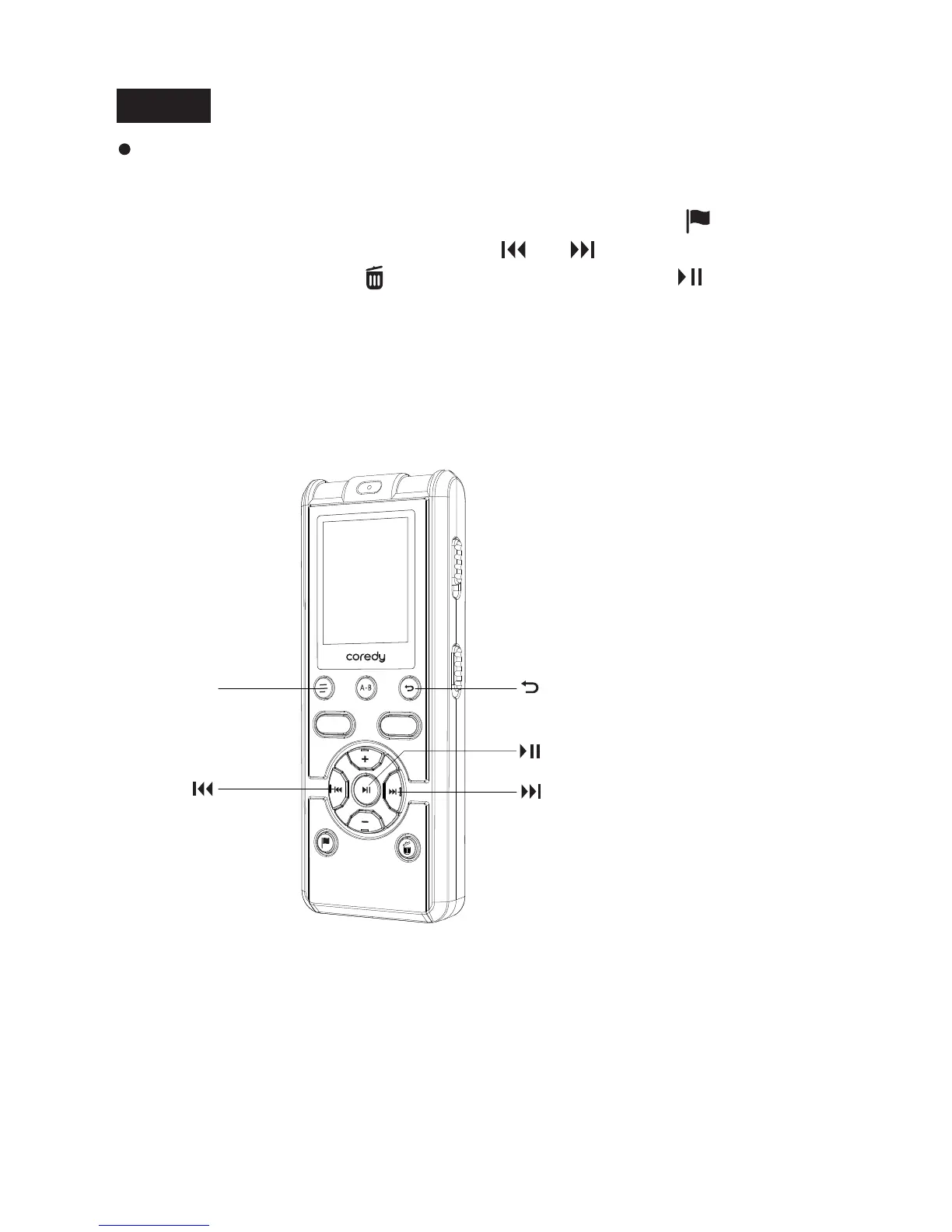
① Press DISPLAY/MENU to enter the menu mode.
The menu mode window will be displayed.
DISPLAY/ MENU
REC
SAVE
Notes
Once a P-MARK has been erased, you cannot retrieve it.
During playing back, or recording pausing, select the file from
which you want to erase playback marks ,press the (P-MARK)
button about 2 seconds, press the or to select the playback
marks then press the /ERASING button, press /Enter.
48



 To Next Page