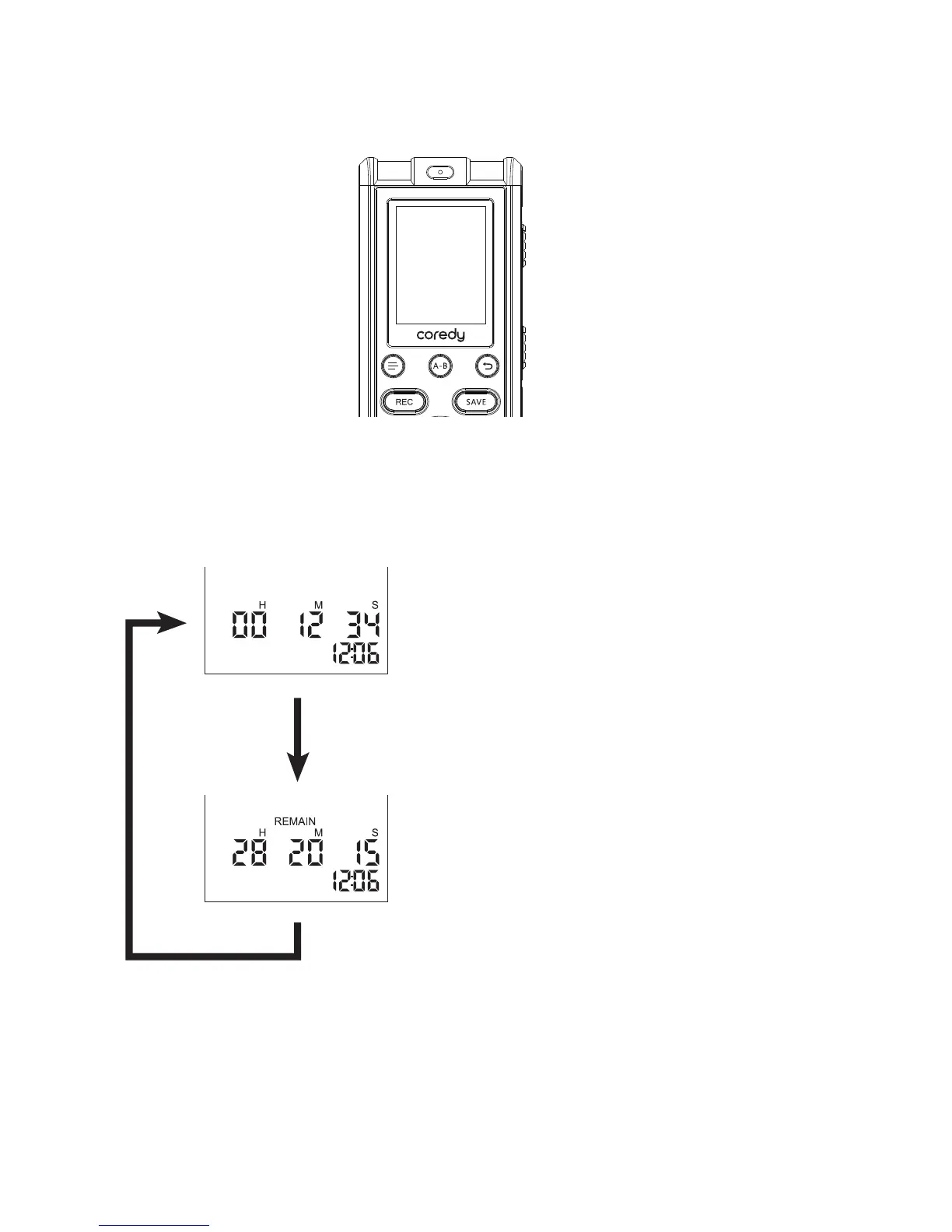
You can switch the counter information display for the
current file.
Press MENU briefly to switch the display as follows:
Elapsed time
Displays the elapsed
playback/recording time of one
file.
Remaining time
Displays the remaining playback
time of the current file in the
playback mode, or the remaining
recordable time in the stop and
recording modes,both with the
“REMAIN” indicator.
1.7 Switching the Counter Information Display
21



 To Next Page