Note
Hint
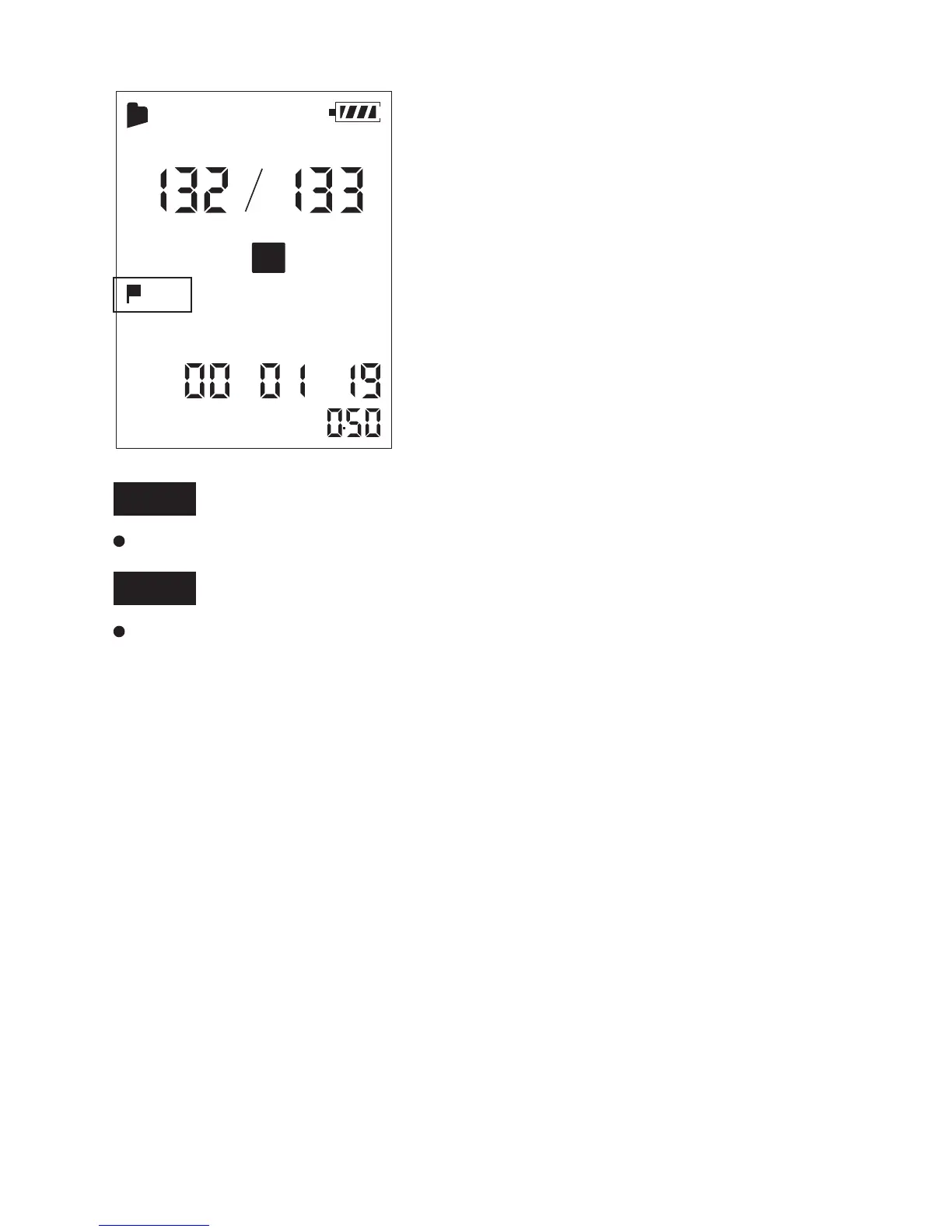
5.2 Skip the Playback marks
5.3 Erasing a Playback marks
Press Volume + / Previous P-MARK once.
When a playback marks is set, the Coredy recorder goes forward to
the playback marks after the current point.
When a playback marks is set, the Coredy recorder goes backward
to the playback marks before the current point.
You cannot add audio mark to music files or during recording.
You can add audio mark when the Coredy recorder is in the
transcription playback mode.
DPC
X
001
MH S
A
SPST
Press Volume – / Next P-MARK once.
47



 To Next Page