1.4 Turning the Recorder On
1.4.1 Recharging the battery using a computer
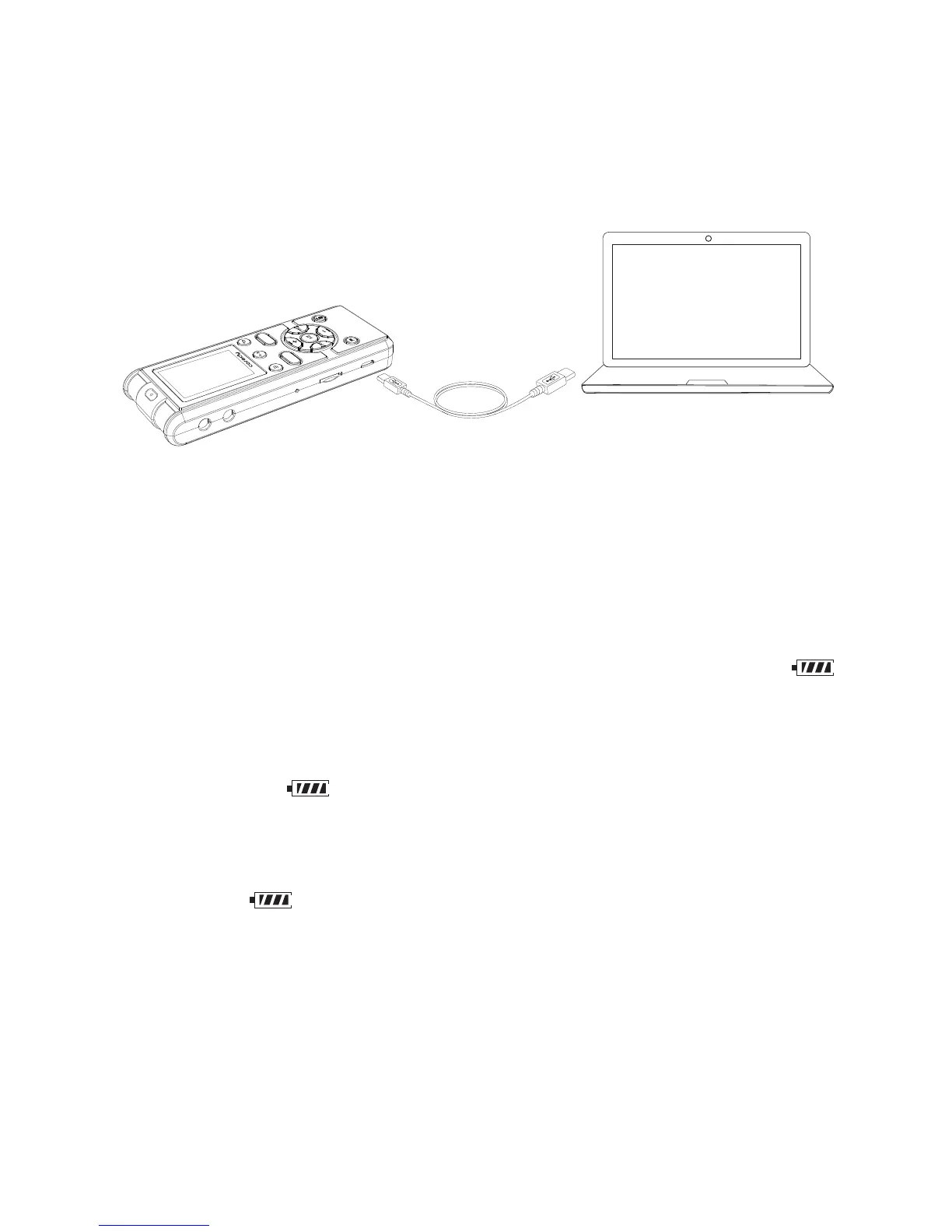
Connect the Coredy recorder to your computer.
Connect the (USB) port of the Coredy recorder with the
USB port of your running computer with the supplied
USB connecting cable inserted into the ports securely
until each plug stops to the end.
While the battery is charging, the battery indicator ( )
are displayed in an animation.
When the battery is fully charged, the battery indicator
will indicate “ ”. When you charge the Coredy recorder
for the first time, or when you have not used the Coredy
recorder for a long time, charge the rechargeable battery
until the “ ” indicator appears on the display. It takes
about 3 hours and 30 minutes to fully charge an
exhausted battery.
Coredy recorder
USB connecting cable (supplied)
Your computer
To USB port of
your computer
SAVE
REC
10



 To Next Page