7.1.1 Connecting the Coredy recorder to your
computer
7.1.2 Structure of folders and files
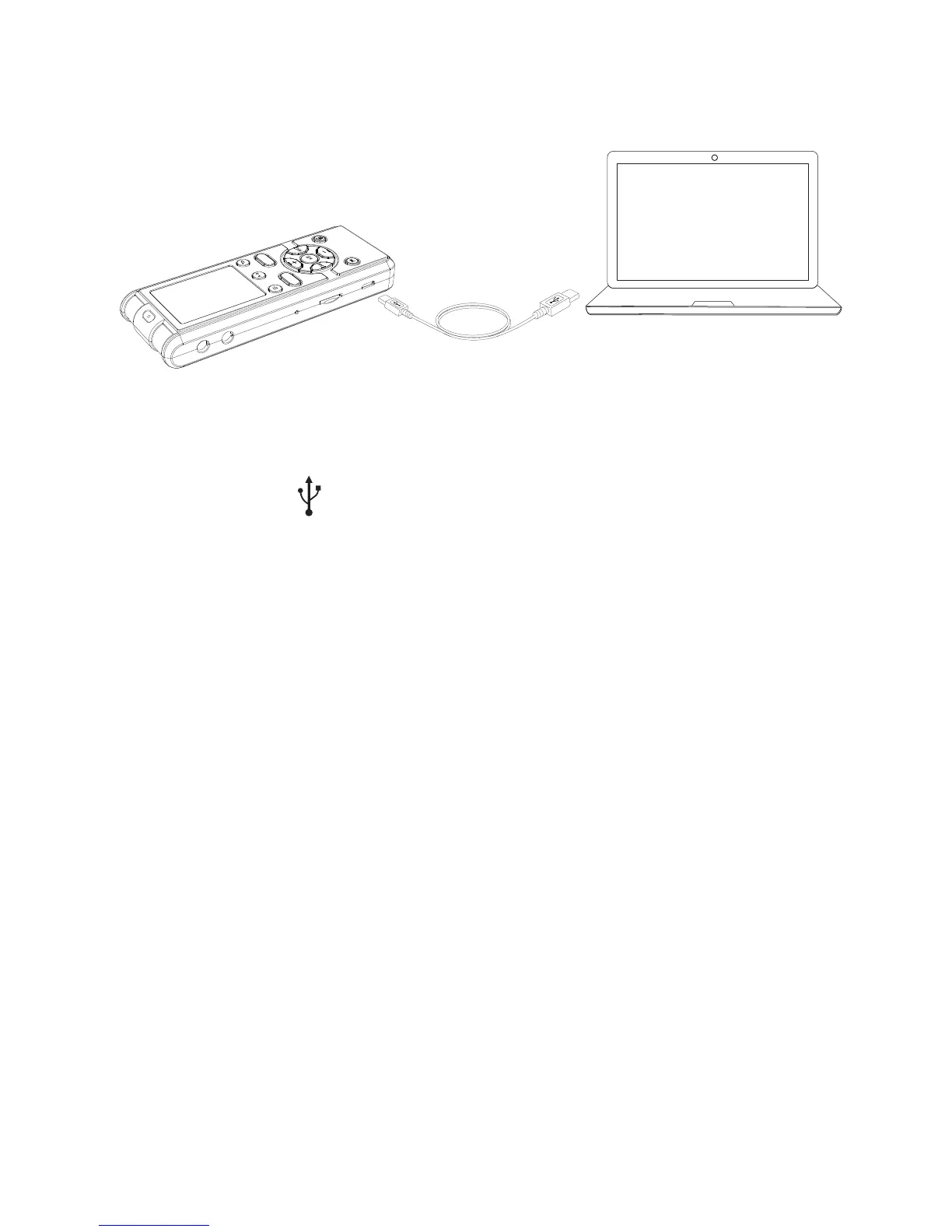
To exchange music files between the Coredy recorder and your
computer, connect the Coredy recorder to your computer.
① Connect the (USB) port of the Coredy recorder with the USB
port of your running computer with the supplied USB connecting
cable inserted into the ports securely until each plug stops to the
end.
On the Windows screen; open “My Computer” or “Computer,” and
make sure that “COREDY RECORDER” has been recognized.
On the Macintosh screen; make sure that an “COREDY
RECORDER” drive is displayed on the Finder.
The Coredy recorder is recognized by the computer as soon as the
connection is made. While the Coredy recorder is connected to the
computer, “PC LINK” is displayed in the display window of the
Coredy recorder.
The folders and files on the Coredy recorder are displayed on the
computer screen as shown.
① Make sure the Coredy recorder has been recognized properly.
Coredy recorder
USB connecting cable (supplied)
Your computer
To USB port of
your computer
SAVE
REC
54



 To Next Page