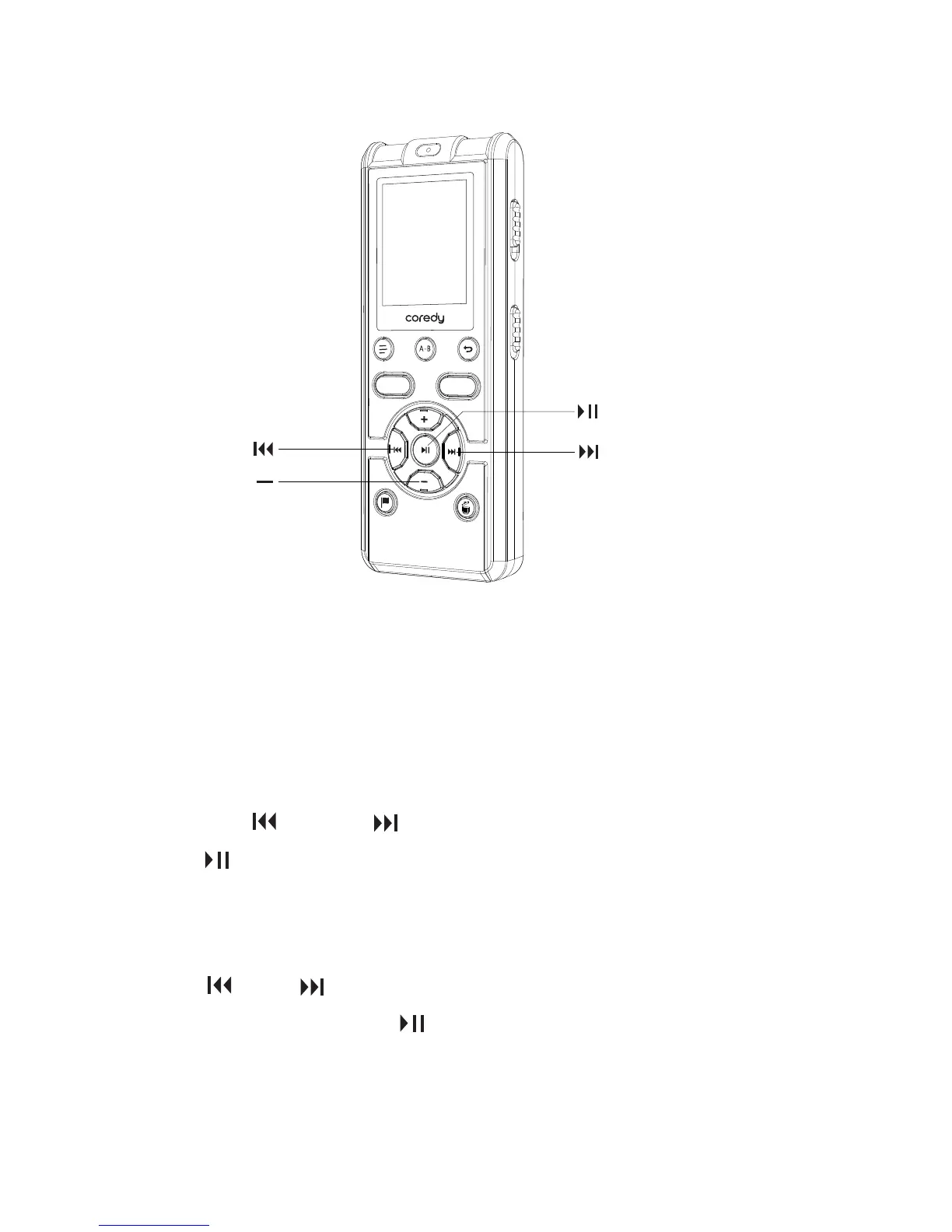
While the Coredy recorder is in the stop mode, you can set
the clock using the menu.
1. In the stop mode, press and hold MENU to enter the
menu mode. The menu mode window will be displayed.
2. Press or to select “SET DATE,” and then
press /ENTER. The clock setting window will be
displayed.
Press or to set the year (the last two digits of the
year), and then press /ENTER. Repeat this procedure
to set month, day, hour, and minute in sequence.
1.5.2 Setting the clock using the menu
① Select “SET DATE” in the menu.
② Set year, month, day, hour and minute.
REC
SAVE
18



 To Next Page