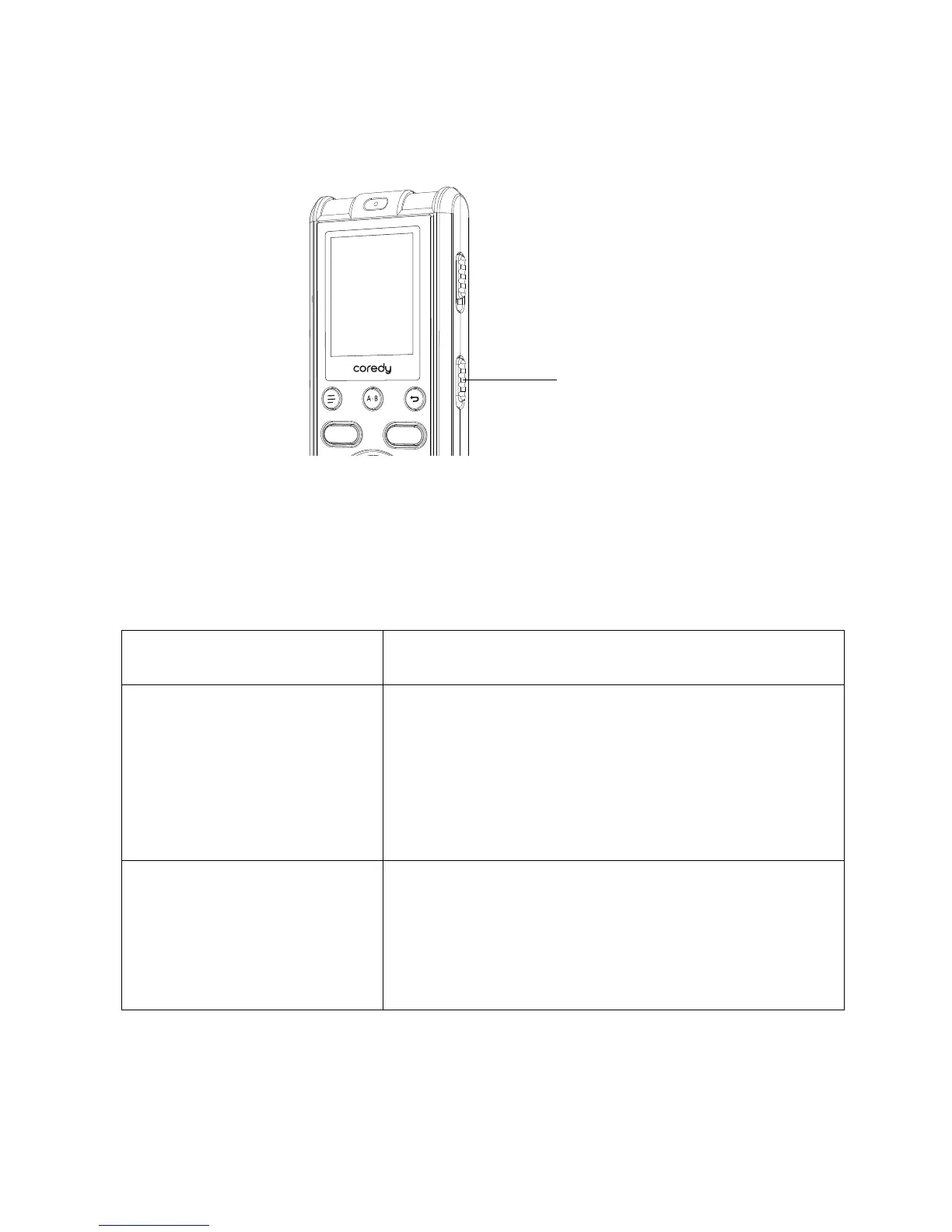
In the stop or recording mode, you can slide the SCENE
switch to the desired position for recording. The most
suitable microphone sensitivity is set for the selected
scene.
To record a lecture in your
classroom. Useful for a variety of
situations, such as recording in a
spacious conference room.
2.2 Changing the Recording Settings
2.2.1 Selecting a recording scene for each situation
Scenes
CLASS
To record your voice in front of
your mouth. Useful for language
study or other occasions.
MY VOICE
Descriptions



 To Next Page