5 Playback Marks
REC
SAVE
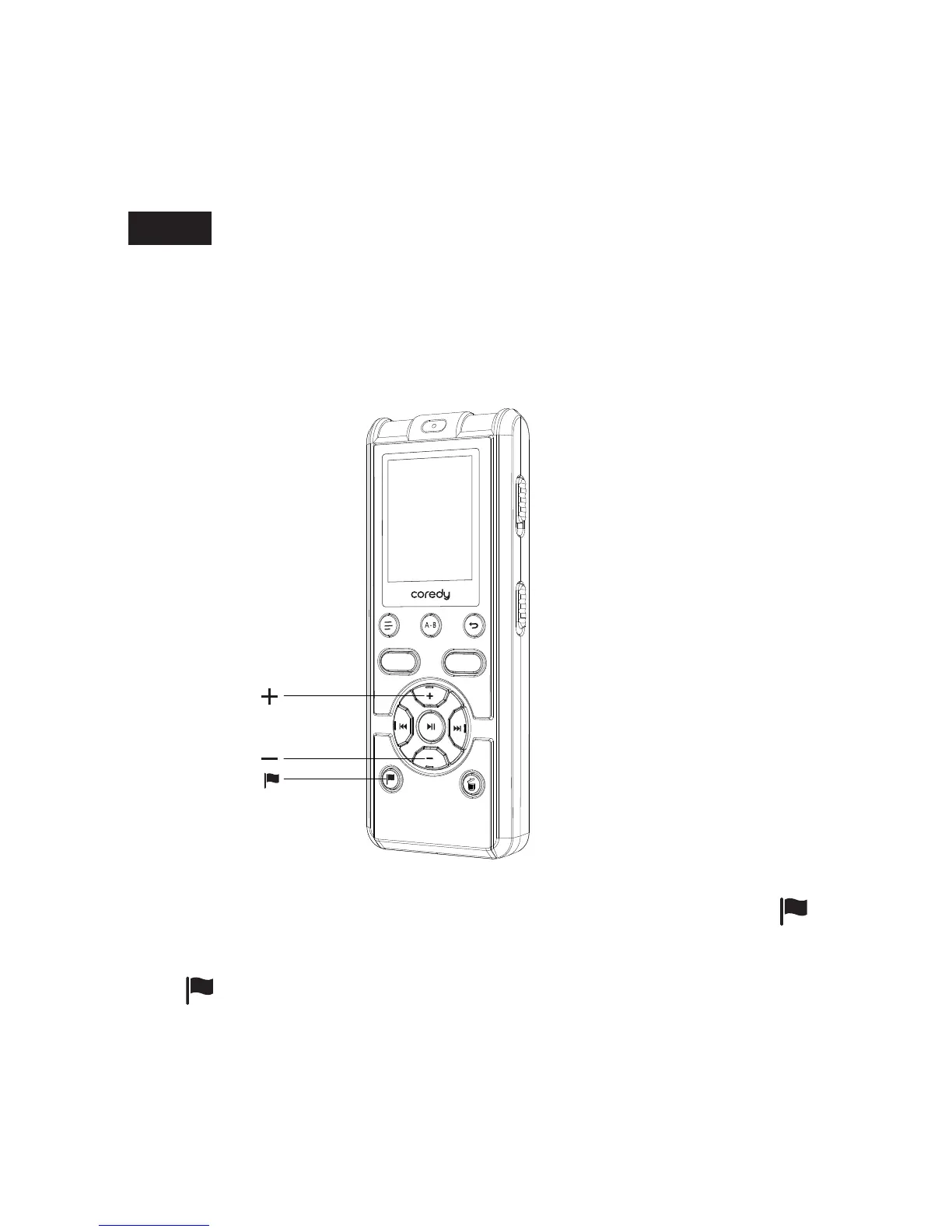
5.1 Adding a Playback marks
The (audio mark) indicator flashes three times, and a audio
mark is added.
5.1.1 During playing back, or recording pausing, press
(P-MARK) at the position you want to add a audio mark.
Note
Each file can add a maximum of 10 Playback marks.
You can add a playback marks at a point at which you would like to
divide a file later or locate during playback. You can add a
maximum of 10 playback marks to each file.
46



 To Next Page