② In the playback mode, select a file you want to erase
( p.1.6).
③ In the playback mode, Press or to select “The
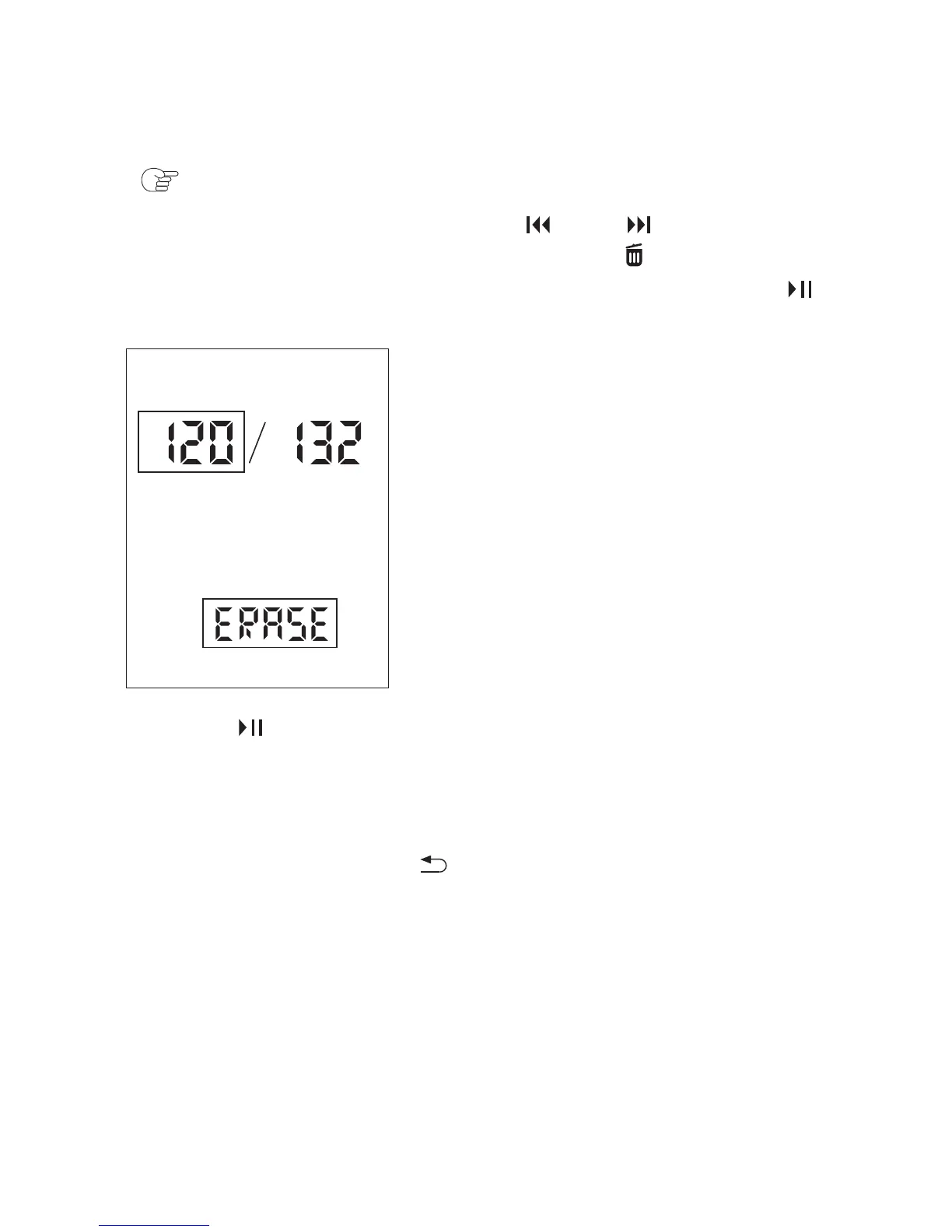
recording file” want to Erasing, press the /Erasing button
about 2 seconds, the “ERASE” appeared. Then press the
/ENTER button, the file number and “ERASE” flash.
④ Press /ENTER.
The stop mode window appears.
The “ACCESS” animation appears and the selected file will be
erased. The remaining files will advance so that there will be no
space between files.
To cancel erasing Press in step ③ to return to the previous
window.
45



 To Next Page