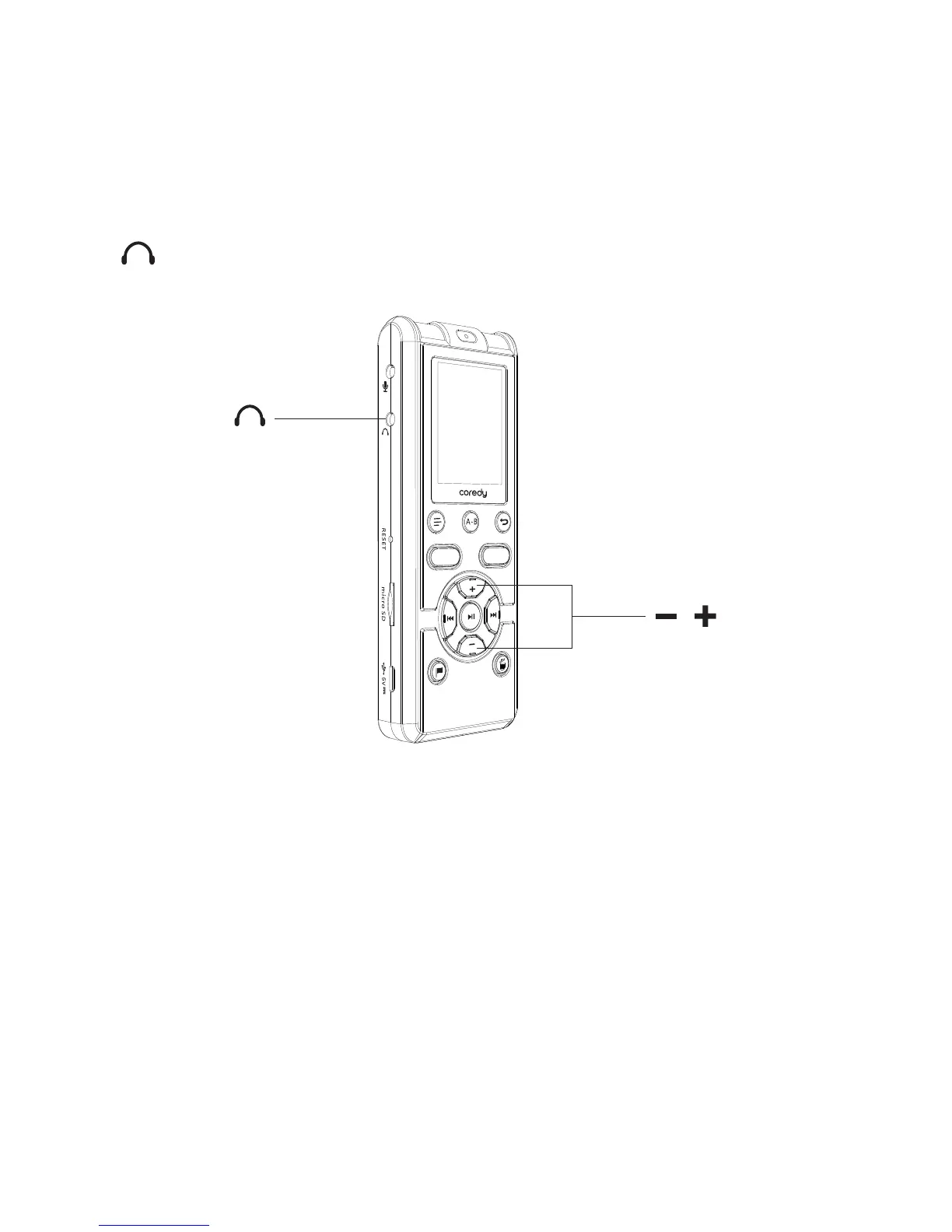
You can set the REC MON ( Monitoring the recording )
function to “ON”, you can monitor the recording If you
connect the stereo headphones (dose not supplied) to the
(headphone) jack,. You can adjust the monitoring
volume by pressing –/+, but the recording level is fixed.
2.1.1 REC MON ( Monitoring the recording )
The “ACCESS” animation appears and the Coredy
recorder stops at the beginning of the current recording file.
The Coredy recorder is recording data and storing it on the
memory when the “ACCESS” animation appears on the
display.
2.1.2 Stopping the recording
① Press SAVE to stop recording.
Note while accessing
REC
SAVE
/
24



 To Next Page