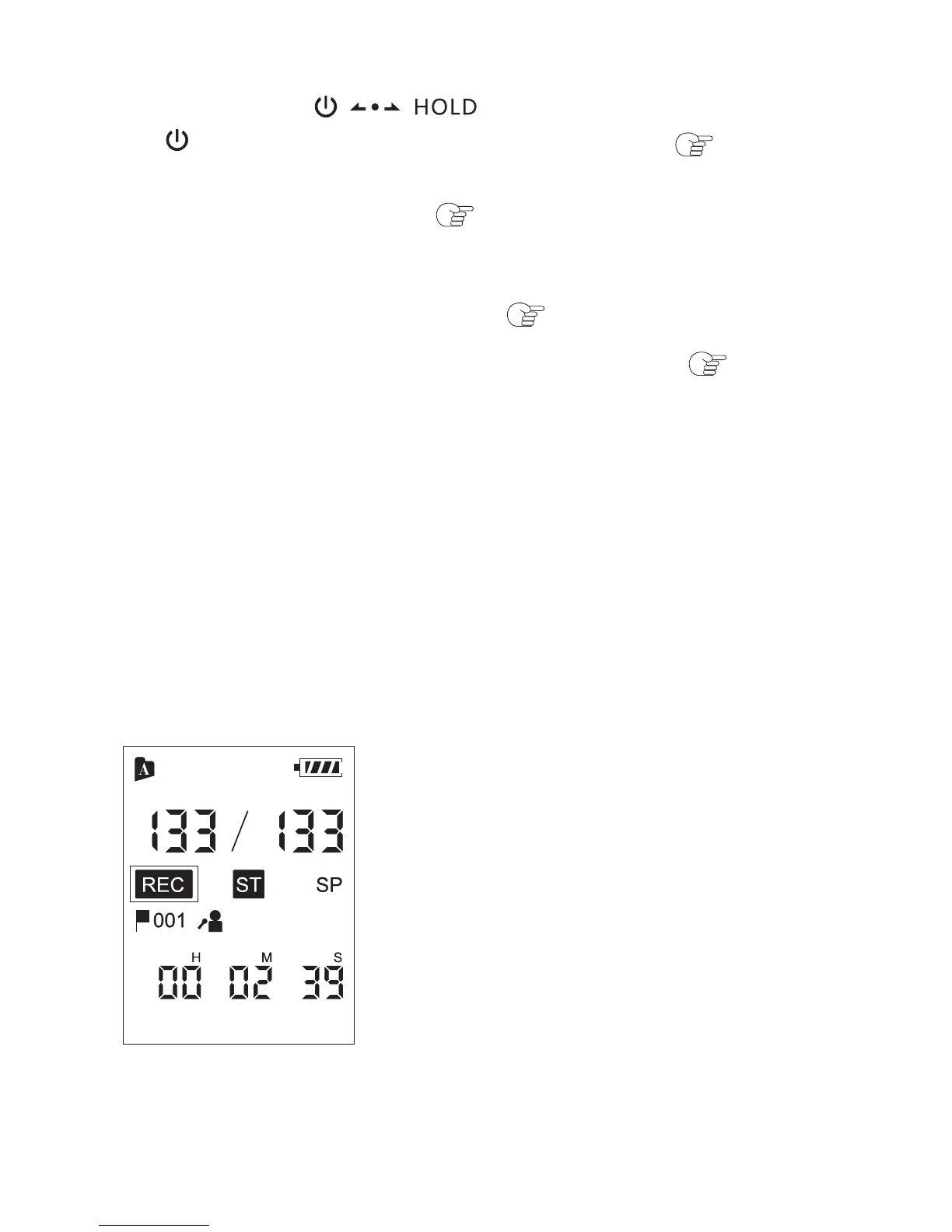
The stop mode window appears.
The operation indicator flashes in orange, and then lights
in red.
You do not need to press and hold REC while recording.
The new file will be automatically recorded as the last file
in the current folder.
① Slide the switch in the direction of
“ ” to turn on the Coredy recorder ( p. 1.4.5),
or towards the center to release the Coredy recorder
from the HOLD status( p. 1.3).
② Select the desired folder( p. 1.6).
③ Select the desired scene for recording( p. 2.2).
④ Place the Coredy recorder so that the built-in
microphones face the direction of the source to be
recorded.
⑤ Press REC in the stop mode.
23



 To Next Page