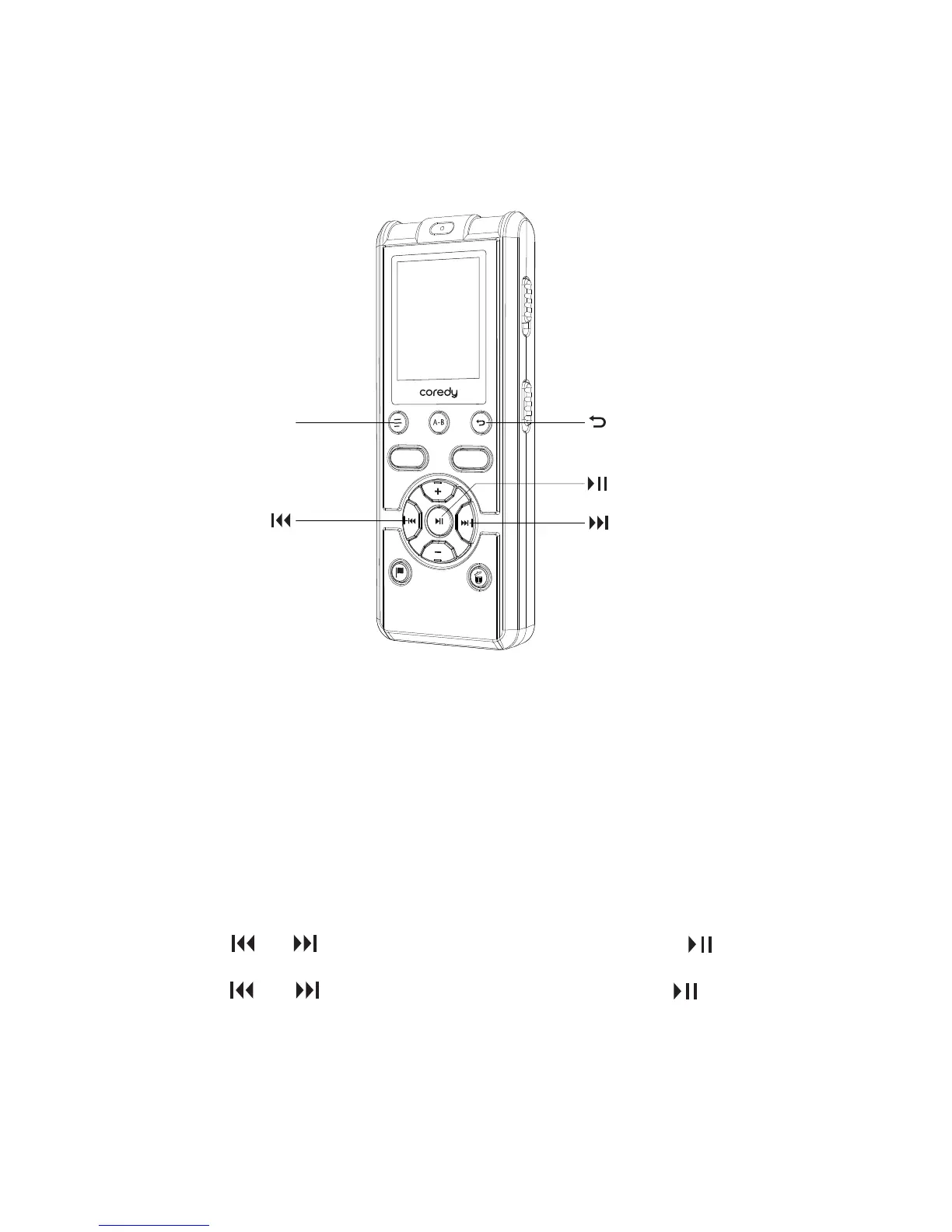
3.2 Changing the Playback Settings
REC
SAVE
DISPLAY/MENU
You can play back a file faster or slower by adjusting the playback
speed in a range from 0.60 times to 1.80 times the actual speed,
which is useful for language study. The file is played back in natural
tones by means of a digital processing function.
The menu mode window will be displayed.
3.2.1 Adjusting the playback speed – the DPC (Digital
Pitch Control) function
① In the stop or playback mode, press and hold
DISPLAY/MENU to enter the menu mode.
② Press or to select “DPC” and then press .
③ Press or to select “NO” and then press .
38



 To Next Page