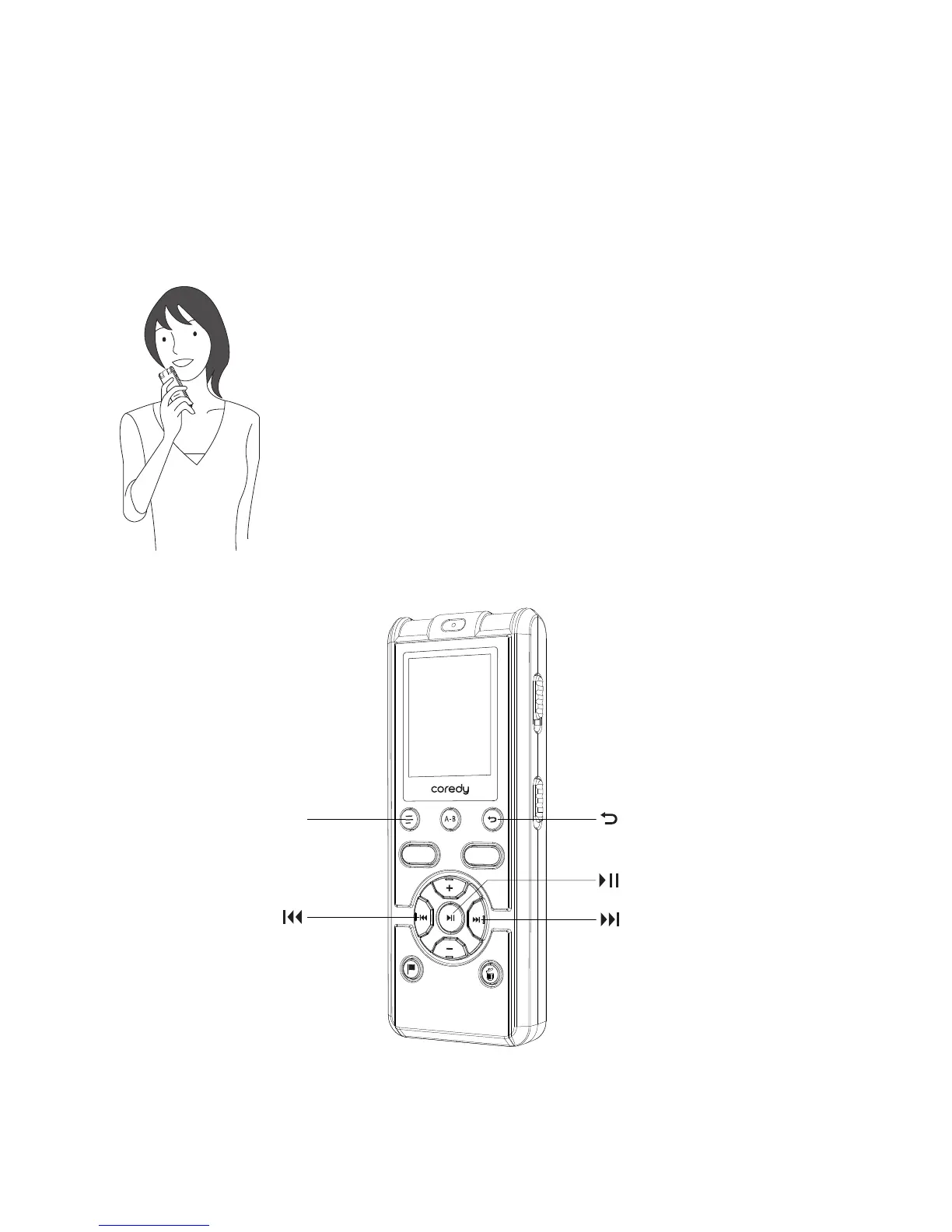
2.2.3 Selecting a recording mode
DISPLAY/MENU
Set the SCENE switch to “MY VOICE.”
By placing the Coredy recorder close to one side of your
mouth, you can prevent breathing on the built-in
microphones, and record with clear Sound.
Recording your voice
REC
SAVE
28



 To Next Page