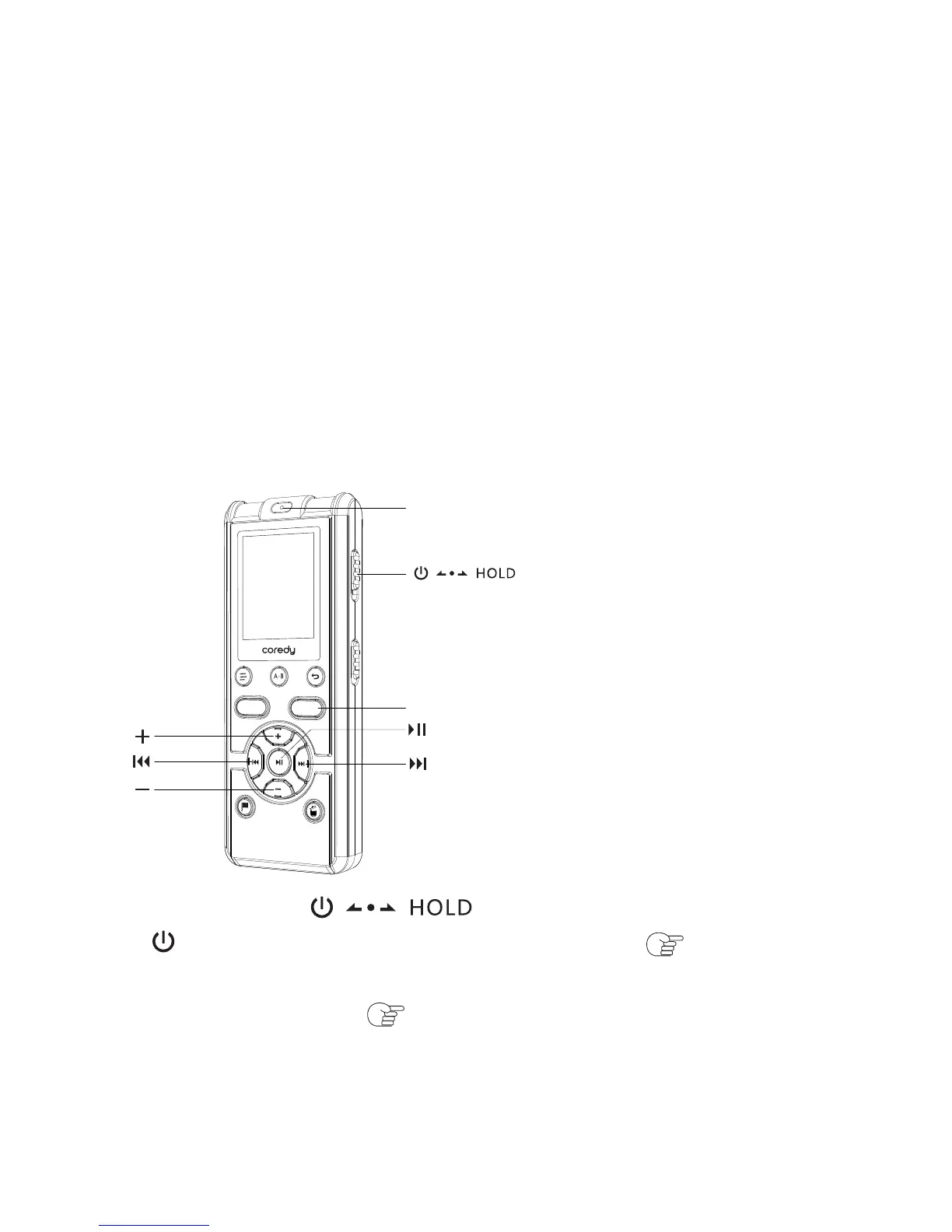
① Slide the switch in the direction of
“ ” to turn on the Coredy recorder ( p. 1.4.5), or
towards the center to release the Coredy recorder from
the HOLD status ( p. 1.3).
② Press REC to start recording.
③ Start dial-out or answer the telephone calls
connected to the Recorder.
④ Press SAVE to stop recording.
The built-in microphones are automatically cut off and the
sound from the connected Telephone.
3.1 Basic Playback
3 Playing Files
SAVE
Operation indicator
REC
SAVE
35



 To Next Page