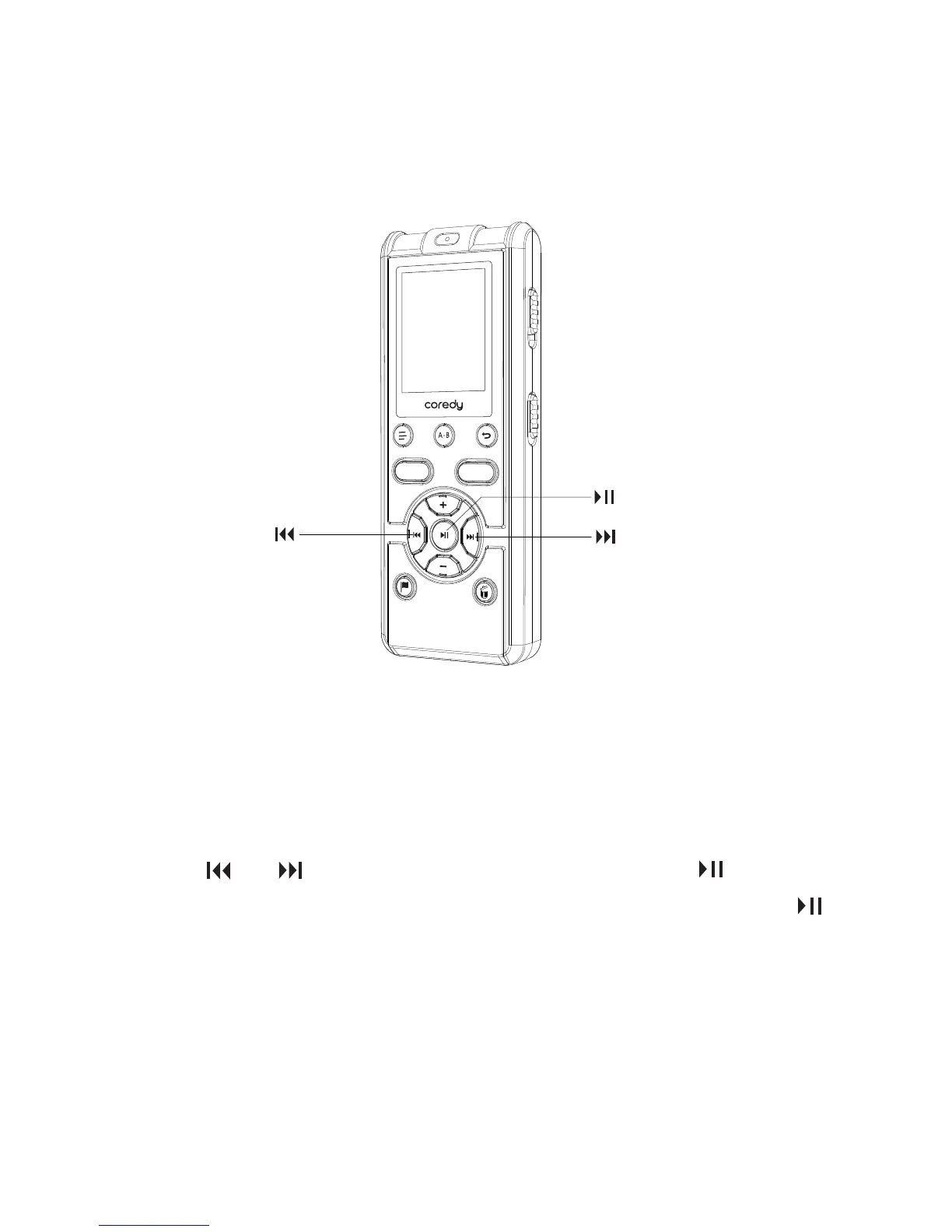
1.5.1 Setting the clock after preparing a power source
1.5 Setting the Clock
You need to set the clock to record the date and time.
When you power on the recorder for the first time, the
“SET DATE” appears, and then the year section begins to
flash in the clock setting display window.
Press or to set the year, and then press /ENTER.
Select the last two digits of the year. When you press
/ENTER, the cursor moves to the month section.
① Set the year.
REC
SAVE
16



 To Next Page