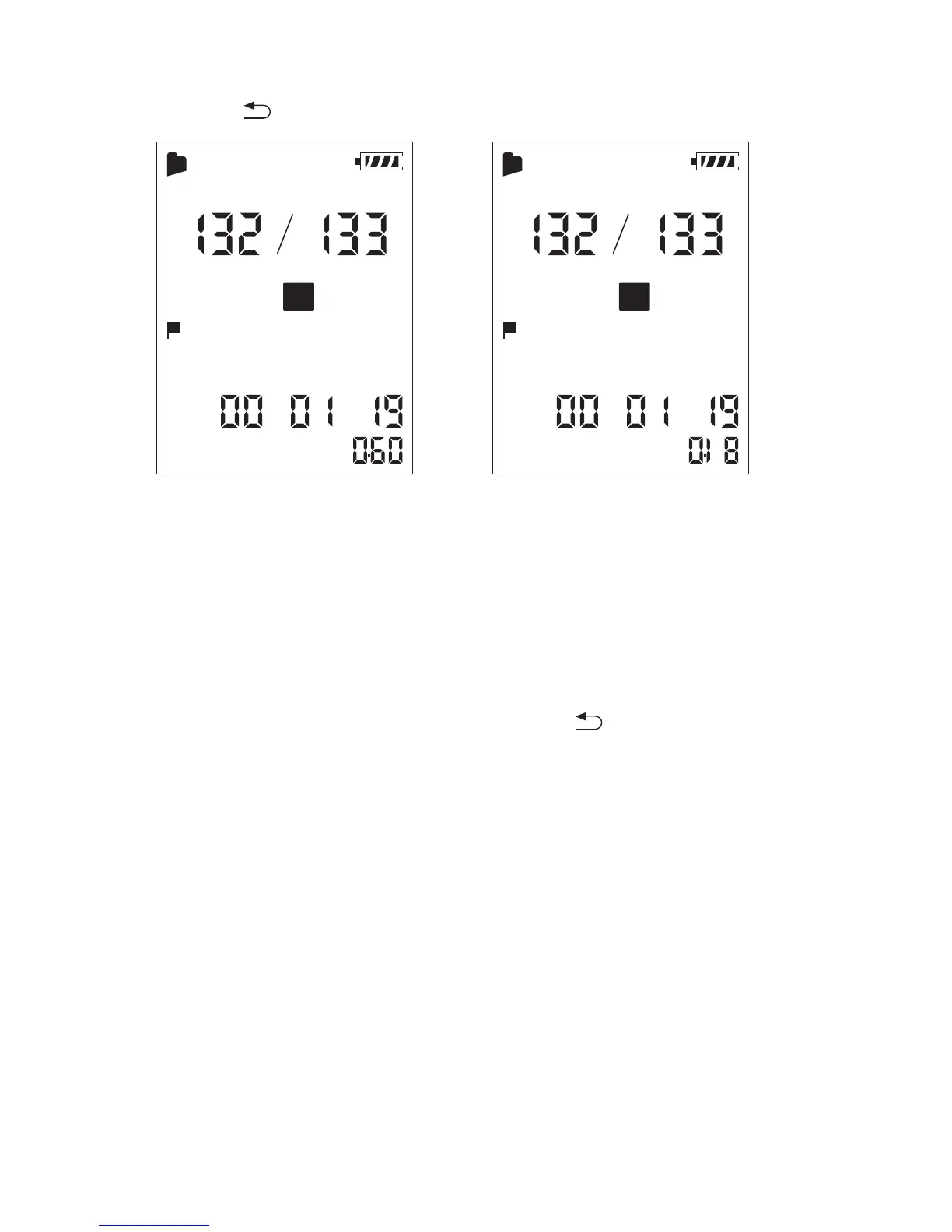
During playback, press and hold A-B until (repeat) appears. The
selected file will be played back repeatedly.
Press A-B again.
⑤ Press to exit the menu mode.
To resume normal playback speed
3.3 Changing the Playback Mode
3.3.1 Playing back a file repeatedly
To resume normal playback
Set “
DPC” to “OFF” in step ③.
DPC
X
001
MH S
A
SPST
DPC
X
001
MH S
A
SPST
40



 To Next Page