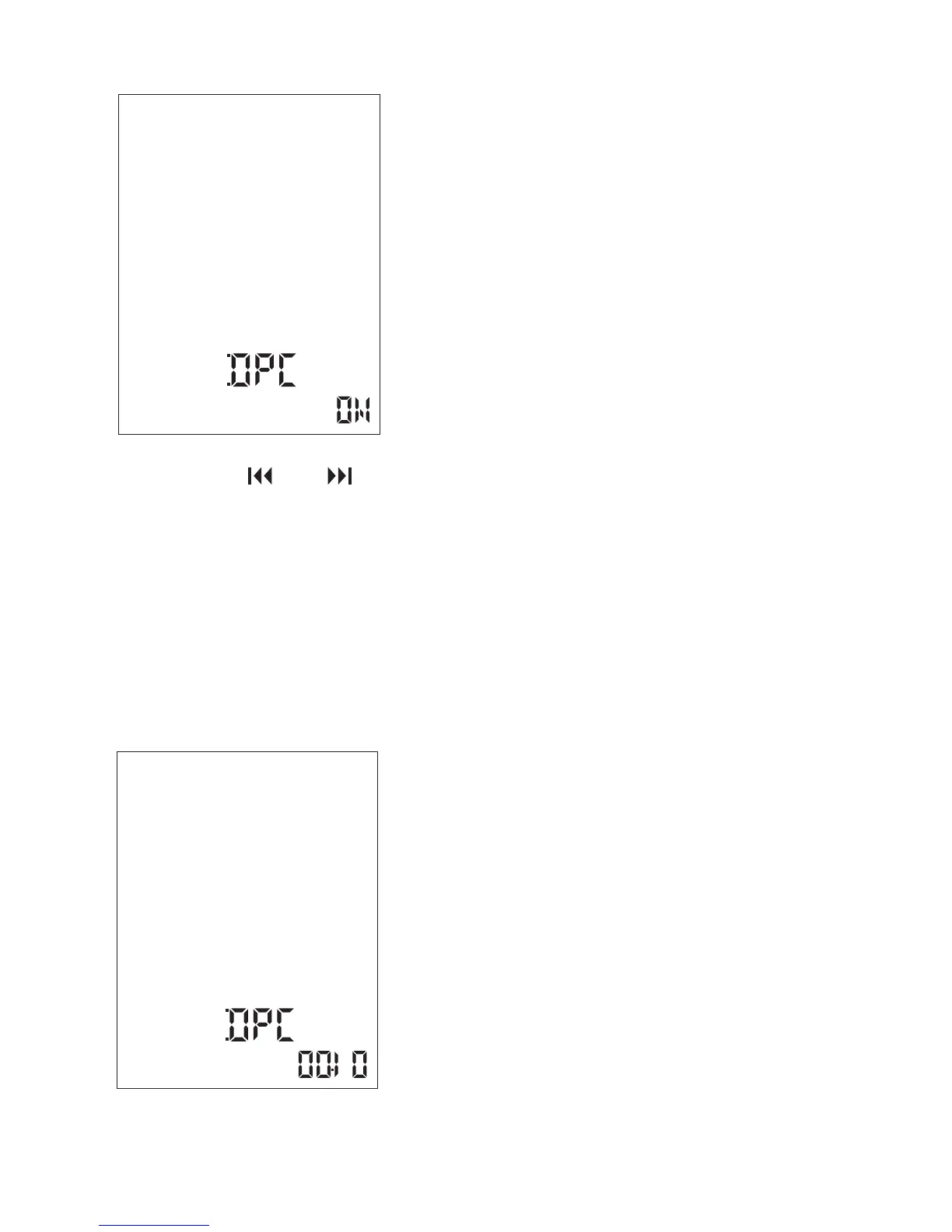
The speed decreases by 0.05 times (from ×0.60 to ×1.00).
The speed increases by 0.10 times (from ×1.00 to ×1.80).
When you press and hold each button, you can change the speed
continuously. The playback speed is set to “×1.00” when you
purchase the Coredy recorder.
Playback sound reflects the setting immediately. In the stop mode,
the current file is played back automatically at the specified
playback speed for confirmation.
④ Press or to adjust the playback speed.
39



 To Next Page