Note
To return to the previous operation, press MENU.
When you set the minute and press /ENTER, the
“ACCESS” animation is displayed, and then “SET DATE”
will appear again.
If there is no operation for 1 minute or longer between
steps, the clock setting is canceled and the window will
return to the display of the stop mode.
1.6 Selecting a Folder and a File
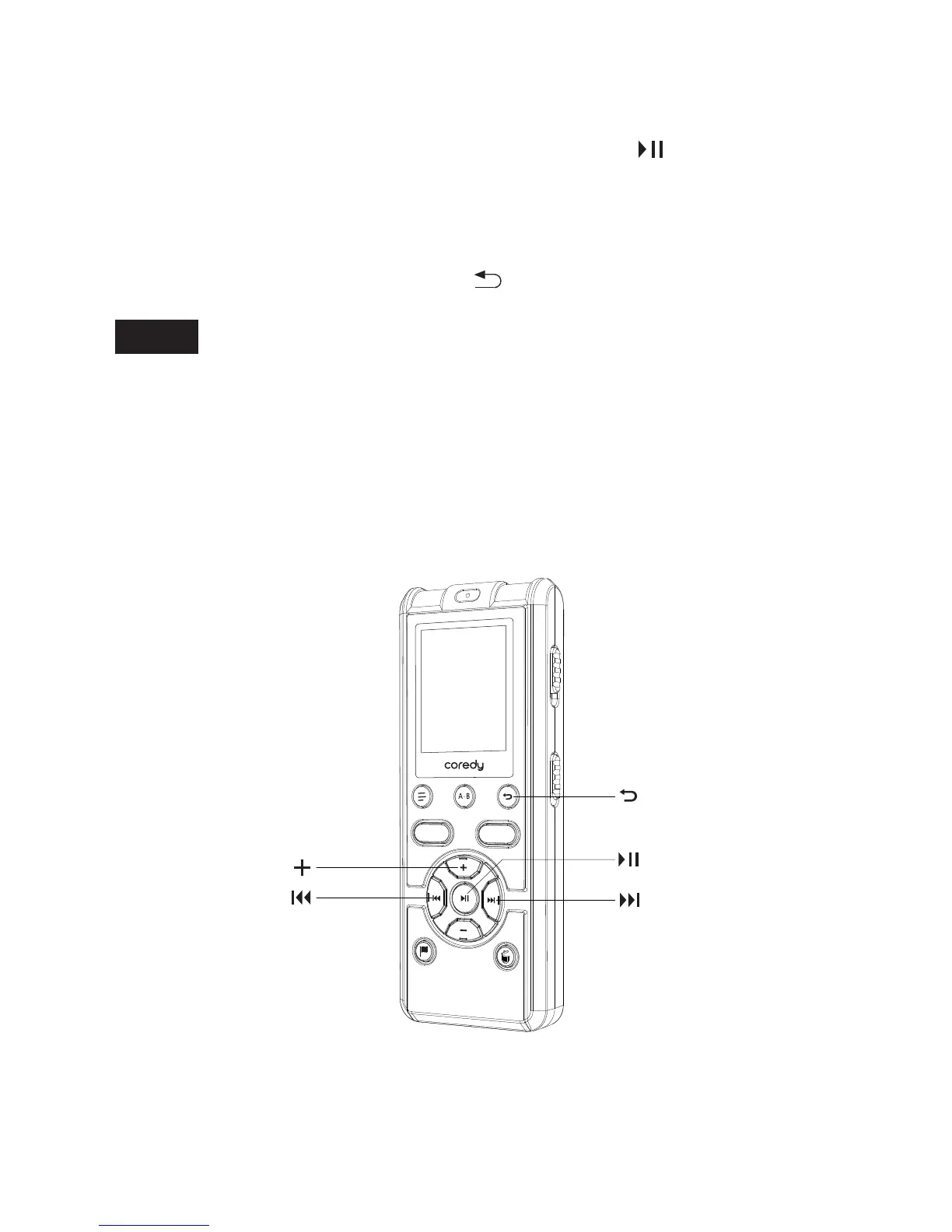
③ Press the back button to exit the menu mode.
REC
SAVE
19



 To Next Page