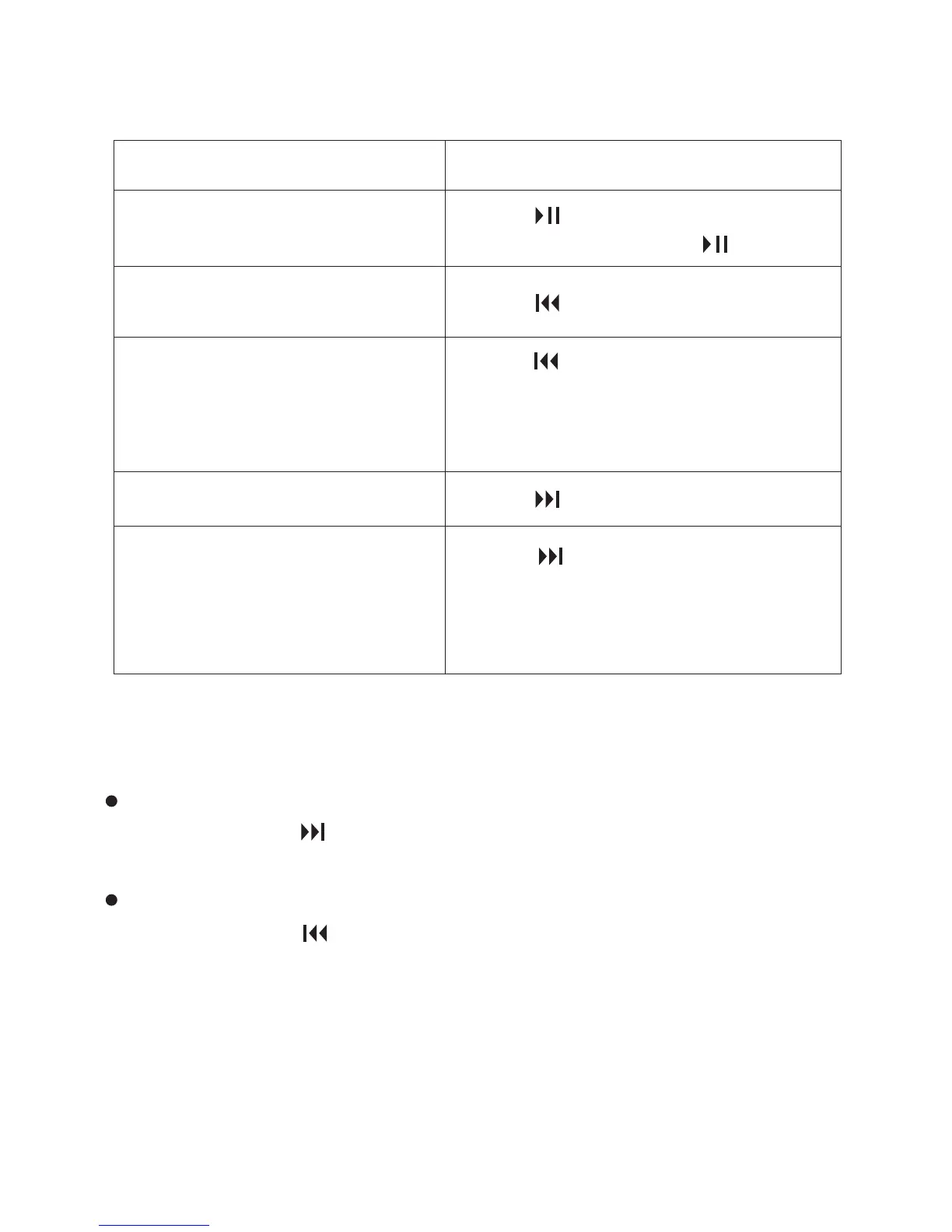
3.1.2 Other operations
3.1.3 Searching forward/backward during playback –
Cue/Review
To search forward (Cue):
Press and hold during playback and release it at the point you
wish to resume playback.
To search backward (Review):
Press and hold during playback and release it at the point you
wish to resume playback.
The Coredy recorder searches at slow speed with playback sound.
This is useful to check one word forward or back. Then, if you press
and hold the button, the Coredy recorder starts to search at higher
speed.
To
stop at the current position
(Playback Pause function)
Press . To resume playback
from that point, press again.
go back to the beginning of
the current file
go back to previous files
skip to the next file
skip to the succeeding files
Press once.
Press once.
Press repeatedly. (During the
stop mode, keep the button
pressed to go back the files
continuously.)
Press repeatedly. (During the
stop mode, keep the button
pressed to skip the files
continuously.)
Do this
37



 To Next Page