Note
4 Erasing File
Erasing
REC
SAVE
4.1 Erasing a Files
② Press to start playback and at the same time set the
connected equipment to the recording mode.
③ Press on the Coredy recorder and the connected
equipment at the same time to stop recording.
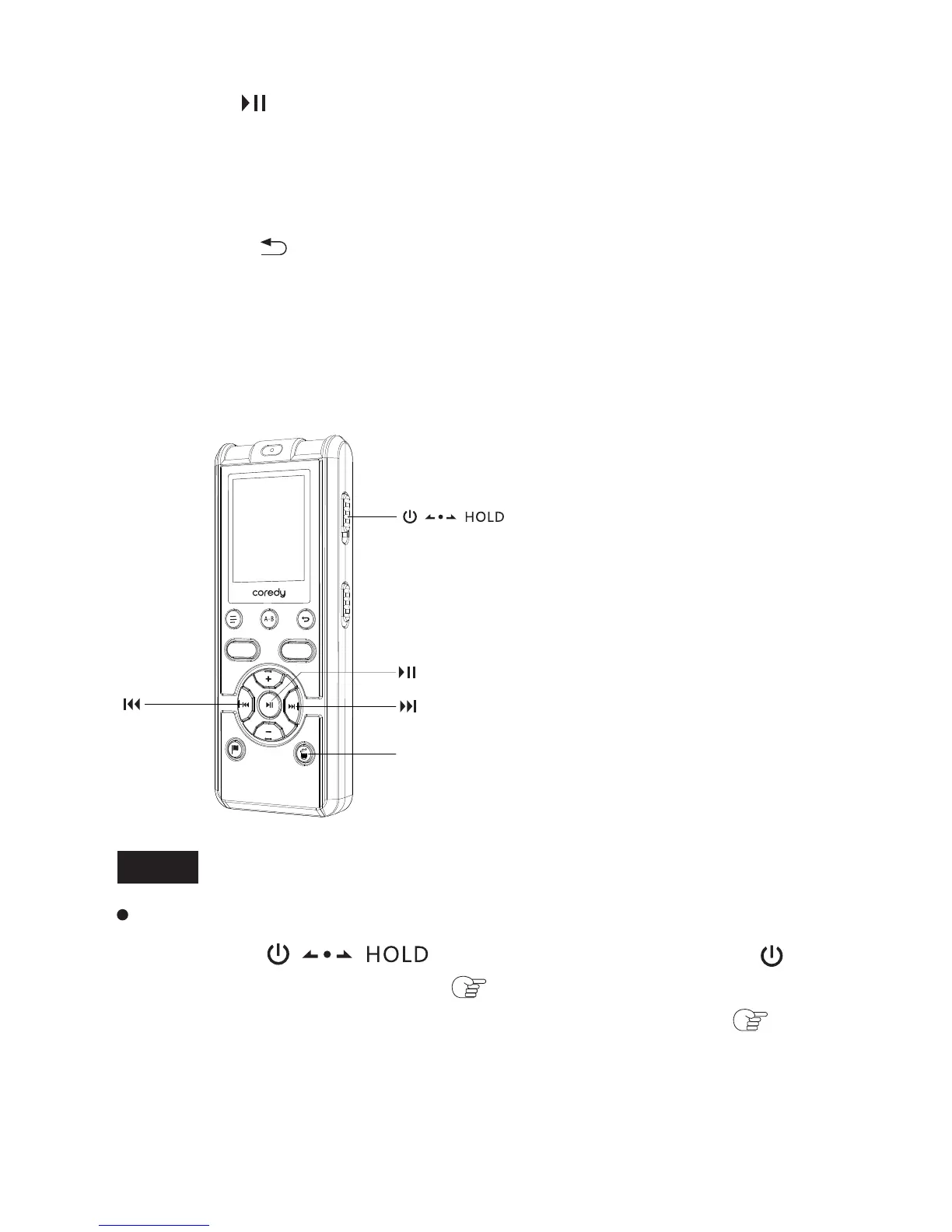
① Slide the switch in the direction of “ ” to
turn on the Coredy recorder ( p. 1.4.5), or towards the center
to release the Coredy recorder from the HOLD status ( p. 1.3).
A file from the Coredy recorder will be recorded on the equipment
connected.
Once a file has been erased, you cannot retrieve it.
44



 To Next Page