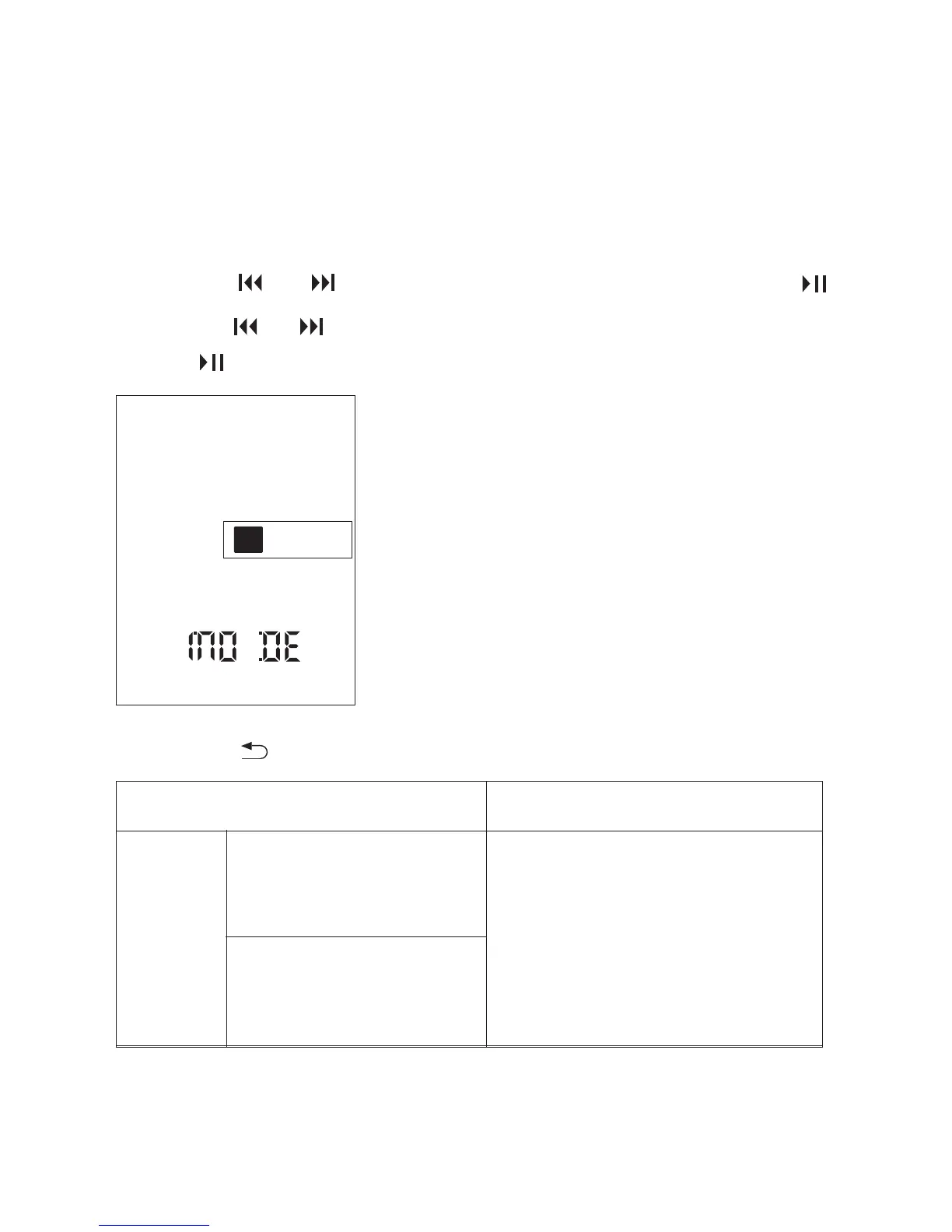
You can select a recording mode in the menu.
The menu mode window will be displayed.
① In the stop mode, press and hold DISPLAY/MENU to
enter the menu Mode.
② Press or to select “MODE,” and then press .
③ Press or to select “ST HQ,” or “ST SP,” and then
press .
④ Press to exit the menu mode.
Scenes
ST HQ
MY VOICE (192kbps )
To record in the stereo
high-quality mode . You can
make a higher quality
recording while the total
recordable time becomes
shorter than that in the STSP
mode.
CLASS ( 80kbps )
Descriptions
SPST
29



 To Next Page