Note
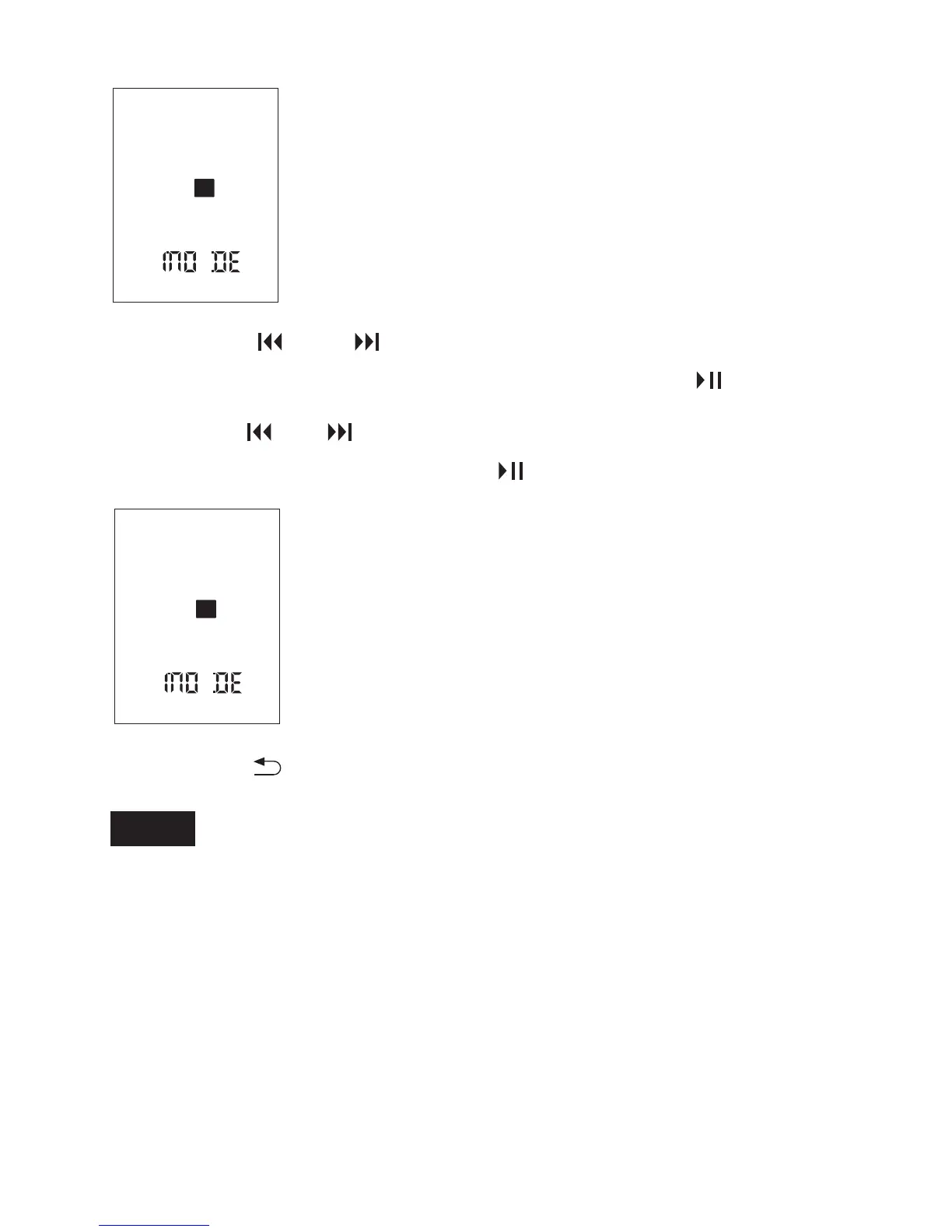
② Press or to select a menu item for which
you want to make setting, and then press .
③ Press or to select the setting that you
want to set, and then press .
If you do not press any button for 10 seconds, the menu mode is
automatically canceled and the window will return to the normal
display.
Press DISPLAY/MENU during menu mode.
To return to the previous window
To exit the menu mode
④ Press to exit the menu mode.
SPST
SPST
49



 To Next Page