① In the stop or recording mode, press and hold
DISPLAY/MENU to enter the menu mode.
② Press or to select “VOR,” and then press .
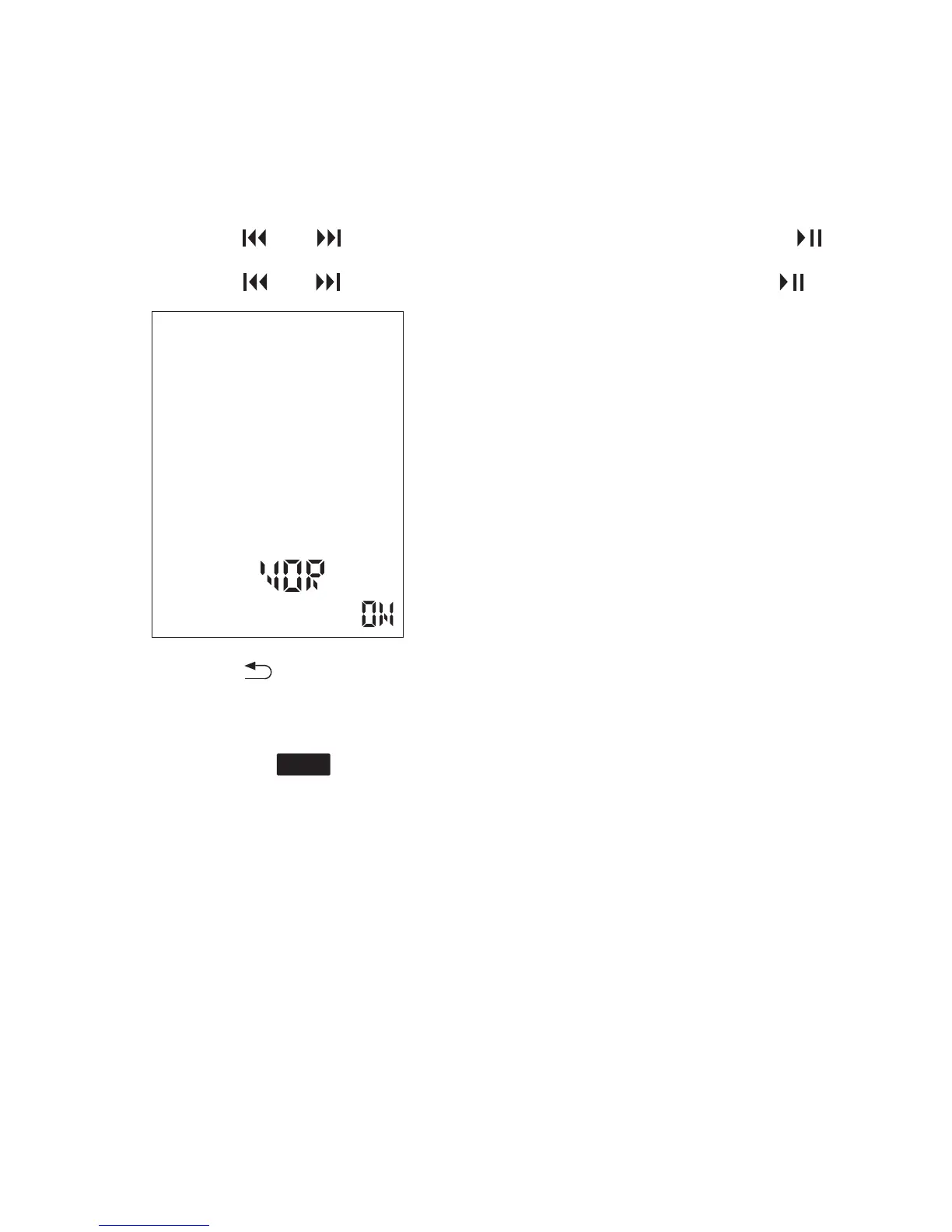
③ Press or to select “ON,” and then press .
④ Press to exit the menu mode.
⑤ Press REC.
⑥ Press SAVE to stop recording.
The menu mode window will be displayed.
“VOR” and “ ” appear in the display window.
To cancel the VOR function
Set “VOR” to “OFF” in step ③.
The recording pauses when no sound is detected and
“VOR” and “PAUSE” display.
When the Coredy recorder detects sound, the VOR
recording starts again.
REC
31



 To Next Page