IDC Pro 255 Service Manual
© 2016, Cornelius Inc. - 11 - Publication Number: 621058649SER
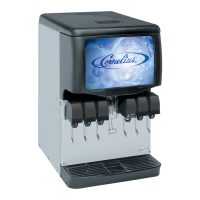
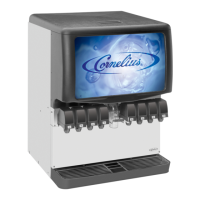
IDC Pro Interactive Touchscreen
The touchscreen door assembly contains the computer, touch sensor board, Wi-Fi card, 32” LCD Display and 2
cooling fans. The internals components are serviceable separately.
2
Start the block at an angle and push towards down-
wards as indicated in Figure 12, ensure that rear
flange of the valve fits behind the wall of the carrier
bracket.
Figure 12.
3
Ensure that bottom o-rings seat and are not
pinched in the outlet barbs.
NOTE: Only use Dow III or equivalent.
Figure 13
Figure 14.
Figure 15.
Step Action










 To Next Page