24
Crane Electronics Ltd
The force in torque management
Crane Electronics Ltd
Watling Drive
14 88
-electronics.com
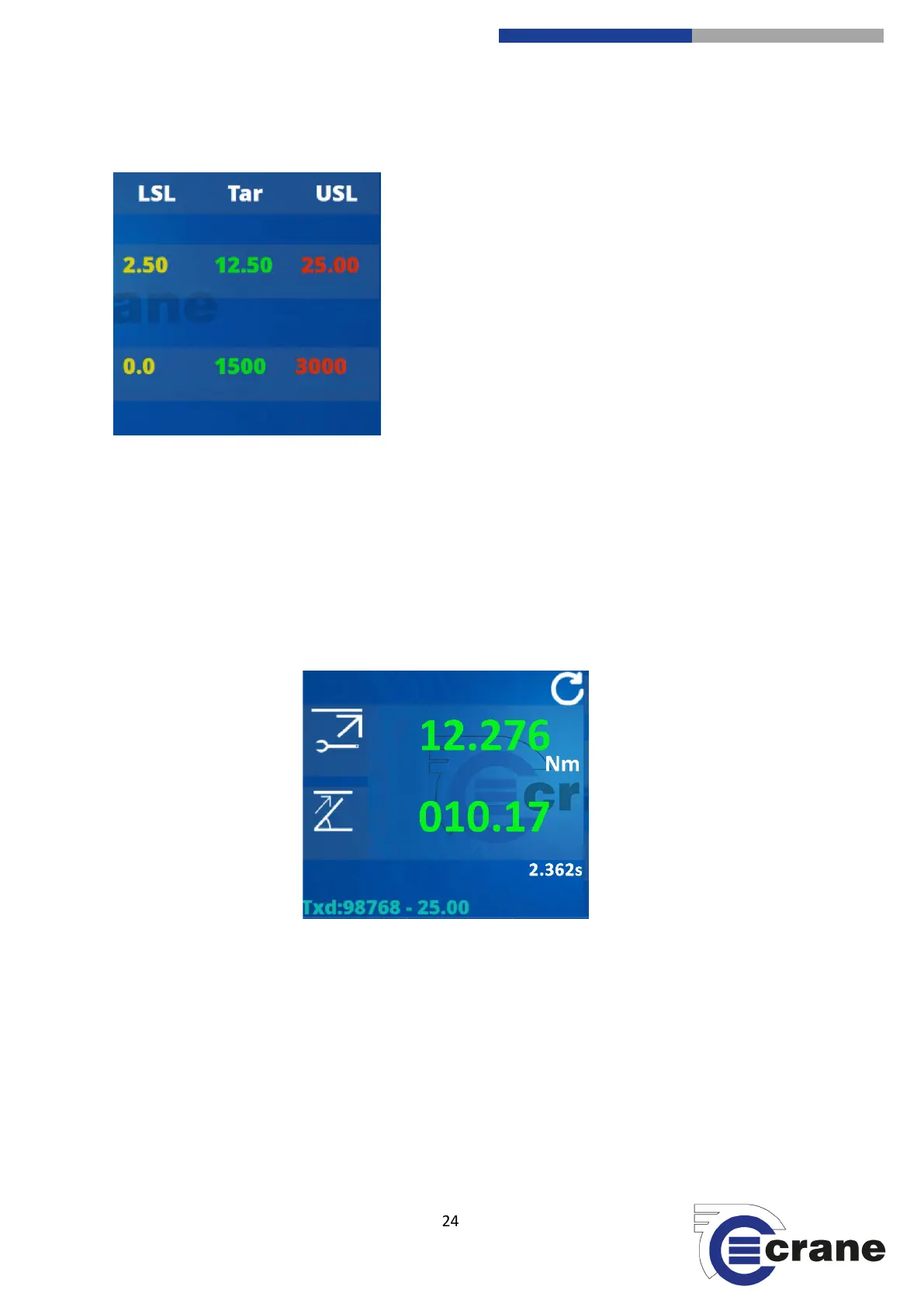
Measurement screen
LSL = Lower Specification Limits
Tar = Target Torque
USL = Upper Specification Limits
If a reading is below the target torque a number of things will
happen:
1. Torque reading will be yellow when the fixing is under-
tightened.
2. An audible, single beep will be emitted.
3. The yellow LED light on the TorqueStar will illuminate.
If the target torque is achieved there will be two audible beeps and the TorqueStar’s green LED will illuminate.
If the USL is reached then the fixing is too tight the torque reading will be in red and three audible beeps will
be heard and the red LED will illuminate.
The top reading is the torque measurement value and the lower readings will be angle (or secondary
parameter) if applicable.
- No limits shown for Track mode.
- Secondary parameter limits are not shown if not selected in measure settings.
- In Click measurement mode, the Click Dip threshold is set in torque limit settings.
- Duration is corrected at the end to remove cycle end time.
- No direction icon shown for Track mode (CW is positive torque, CCW is negative torque).
- In Audit measure mode an audit angle will be shown below secondary parameter.
- In Track mode, it shows torque, angle and rpm.



 To Next Page