34
Crane Electronics Ltd
The force in torque management
Crane Electronics Ltd
Watling Drive
14 88
-electronics.com
Back (F5) – returns to the Login screen
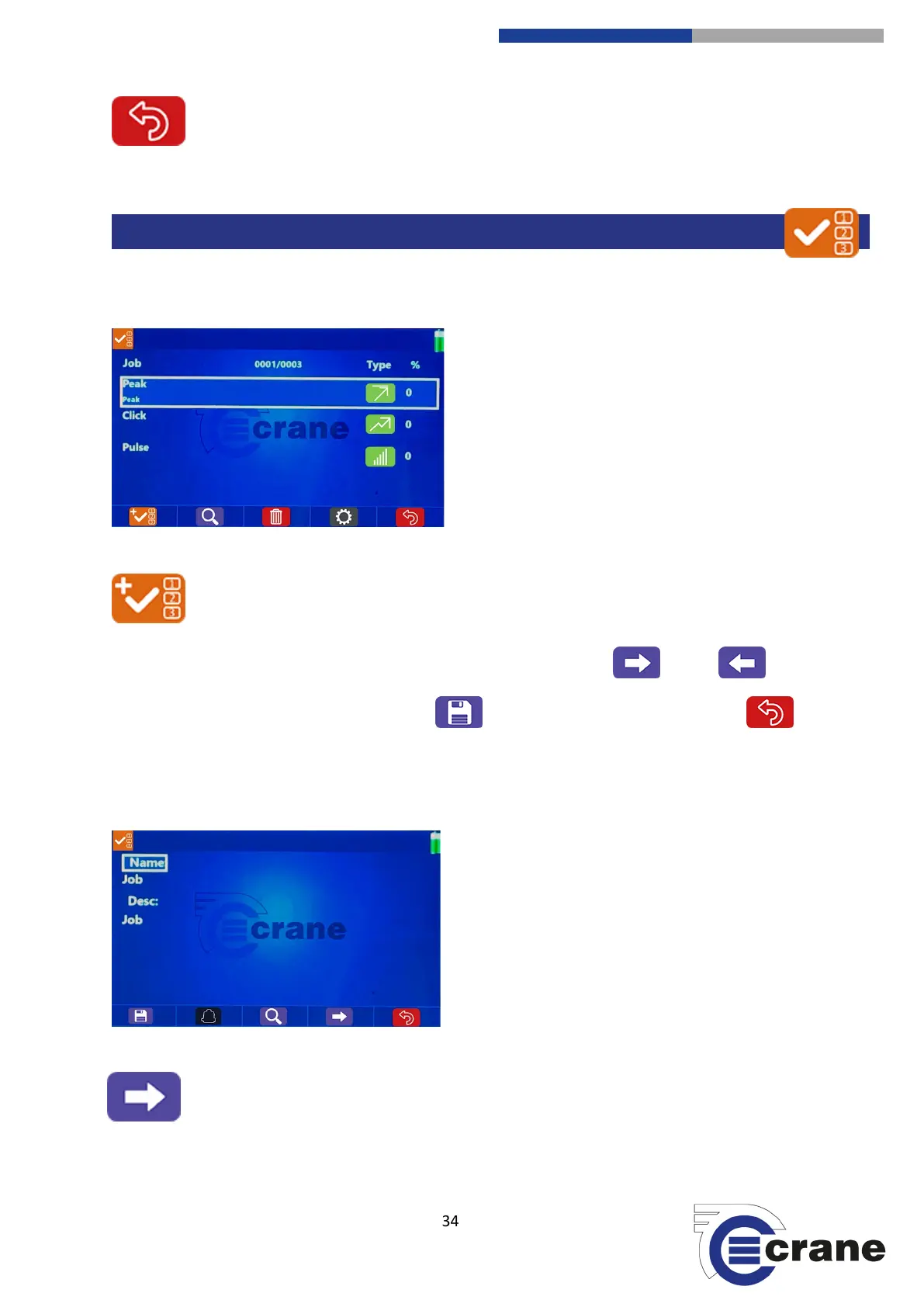
See a list of jobs downloaded from OMS Lite or created on the TorqueStar Pro.
(F1) Add Job: (Note. you cannot edit jobs downloaded from OMS Lite, just view them)
Once on the ‘Add Job’ screen, you can move between job settings screens with (F4) and (F3)
icons.
You can save the changes to job settings with save (F1) and return without saving with back
(F5).
Screen 1:
Job Name = (appears in Job list)
Job Description = (appears below Job name in Job list)



 To Next Page