23
Crane Electronics Ltd
The force in torque management
Crane Electronics Ltd
Watling Drive
14 88
-electronics.com
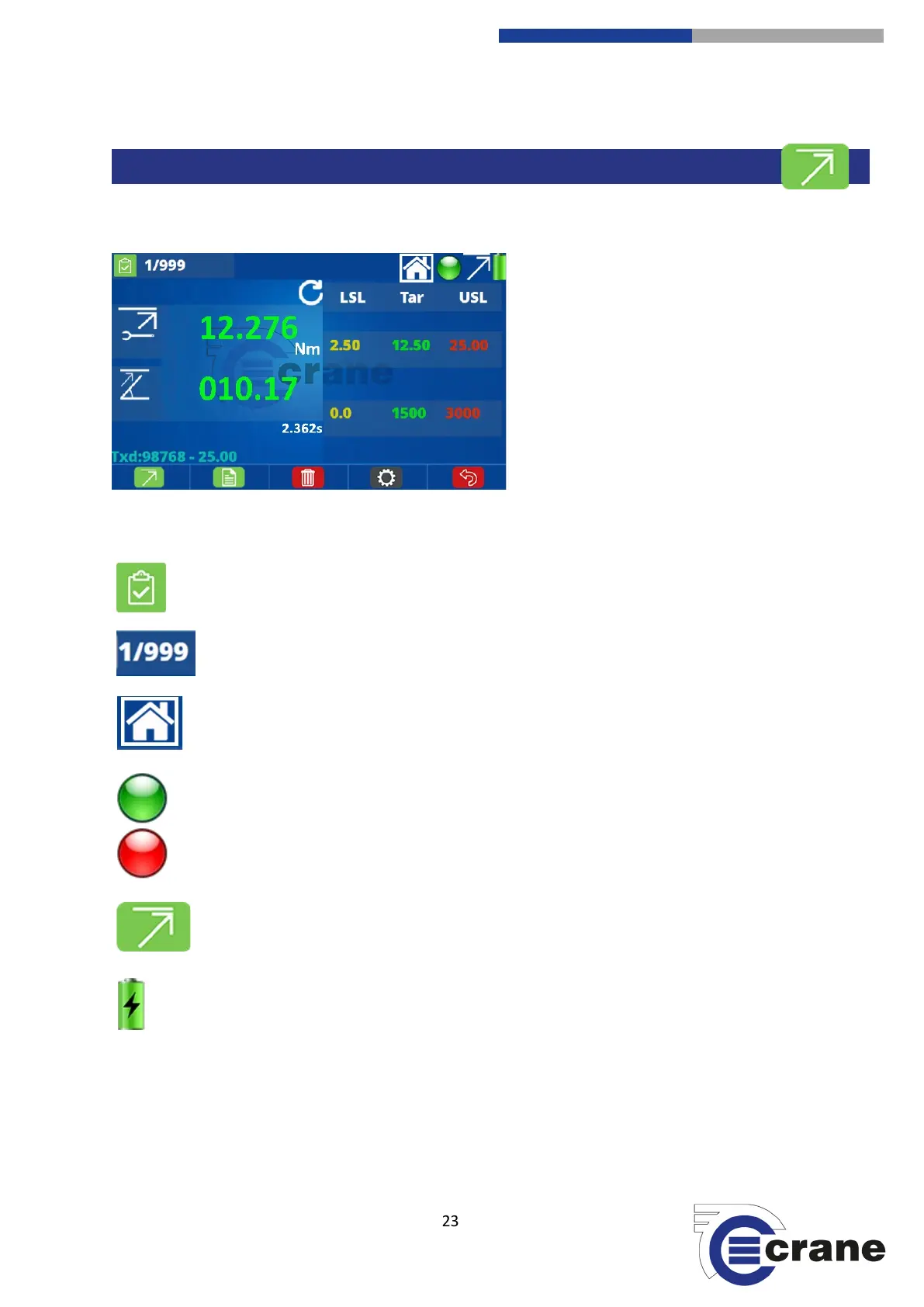
Measuring Screen:
The symbols across the top of the screen are:
Top-left corner icon that appears is relevant to the screen you are currently on.
The TorqueStar has 999 readings capability. Number of readings are displayed.
(Changes from /999 to +000 when it has more than 999 FIFO readings)
Selecting this icon will take you back to the Home Screen.
If this Icon is Green it means that everything is ready to measure.
If this icon is Red then something needs to be actioned and it cannot take a measurement.
Current ‘Measurement Mode’ is displayed
Battery level indicator. A flash will appear when charging.



 To Next Page