25
Crane Electronics Ltd
The force in torque management
Crane Electronics Ltd
Watling Drive
14 88
-electronics.com
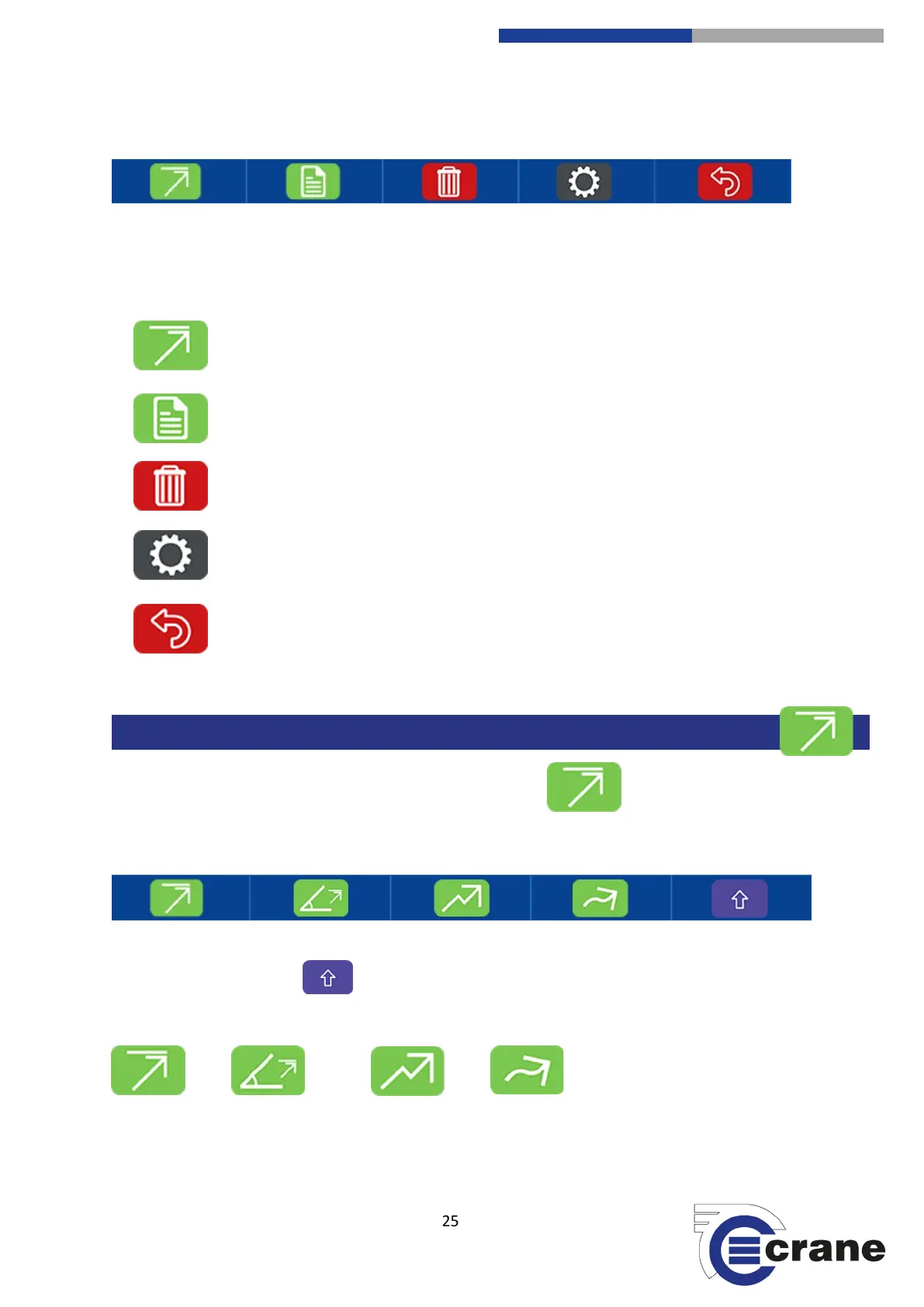
The symbols across the bottom of the screen are your action keys. Pressing the corresponding soft-key will
give you access to other modes and settings.
Choose Measurement Mode
Readings list
Delete
Measurement Settings
Back
On the front Measuring Screen press the ‘Measurement Mode’ Icon.
You will then see four different Measuring Modes.
Pressing the ‘shift’ arrow icon will take you to additional measurement modes.
Peak Peak Angle Click Track



 To Next Page