40
Crane Electronics Ltd
The force in torque management
Crane Electronics Ltd
Watling Drive
14 88
-electronics.com
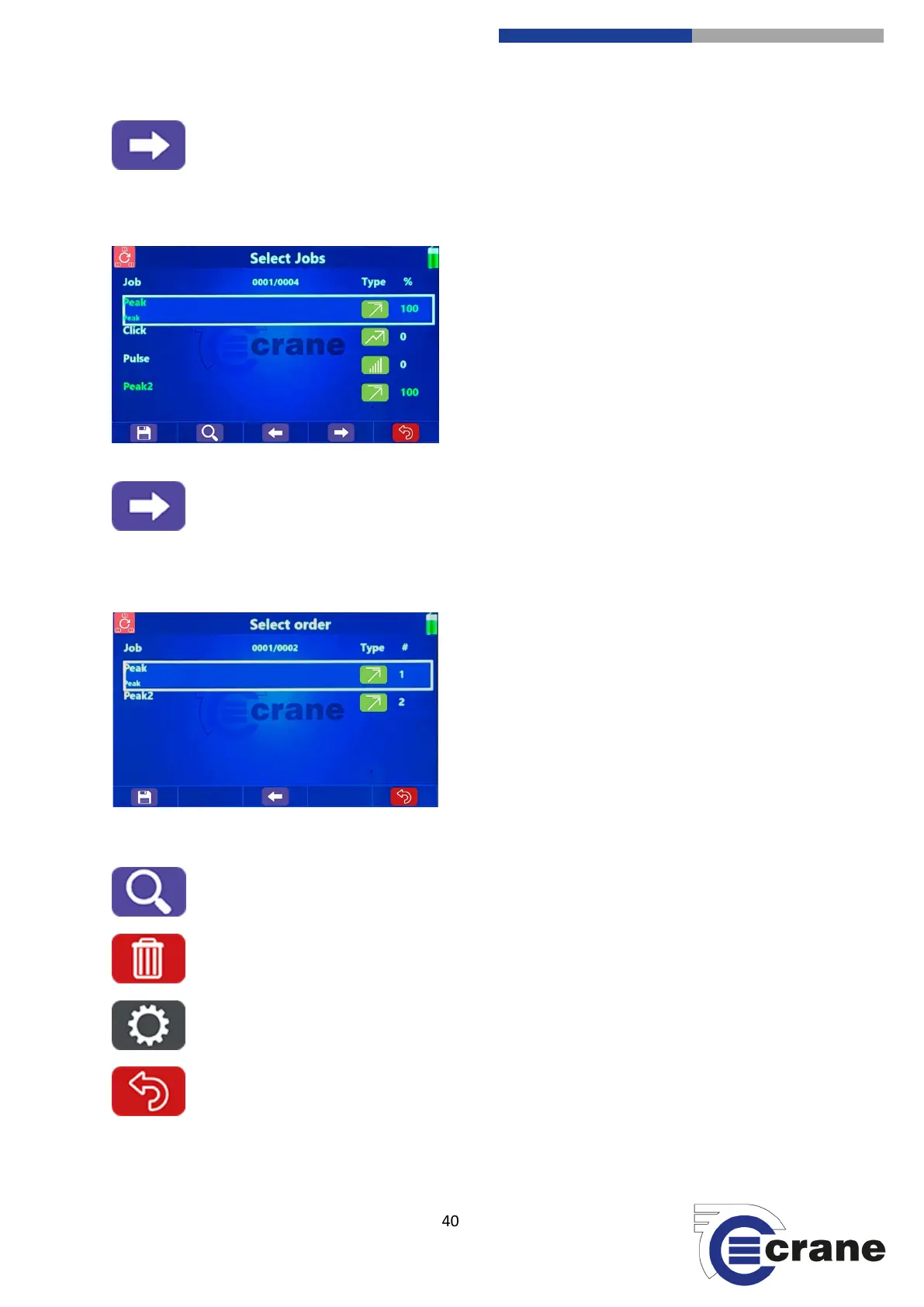
Screen 2: Select Jobs
Select Jobs from the list using Up and Down arrow keys
and press Enter.
The selected Job will turn green (If you make a mistake,
select the job again and it will turn white).
Screen 3: Select Order
Select Job from the list using the Up and Down arrow
keys.
Pressing the Left and Right arrow keys will shift the
selected Job up and down the list.
(F2) Search for Round
(F3) Delete Round)
(F4) Round Setup
(F5) Back to main screen



 To Next Page