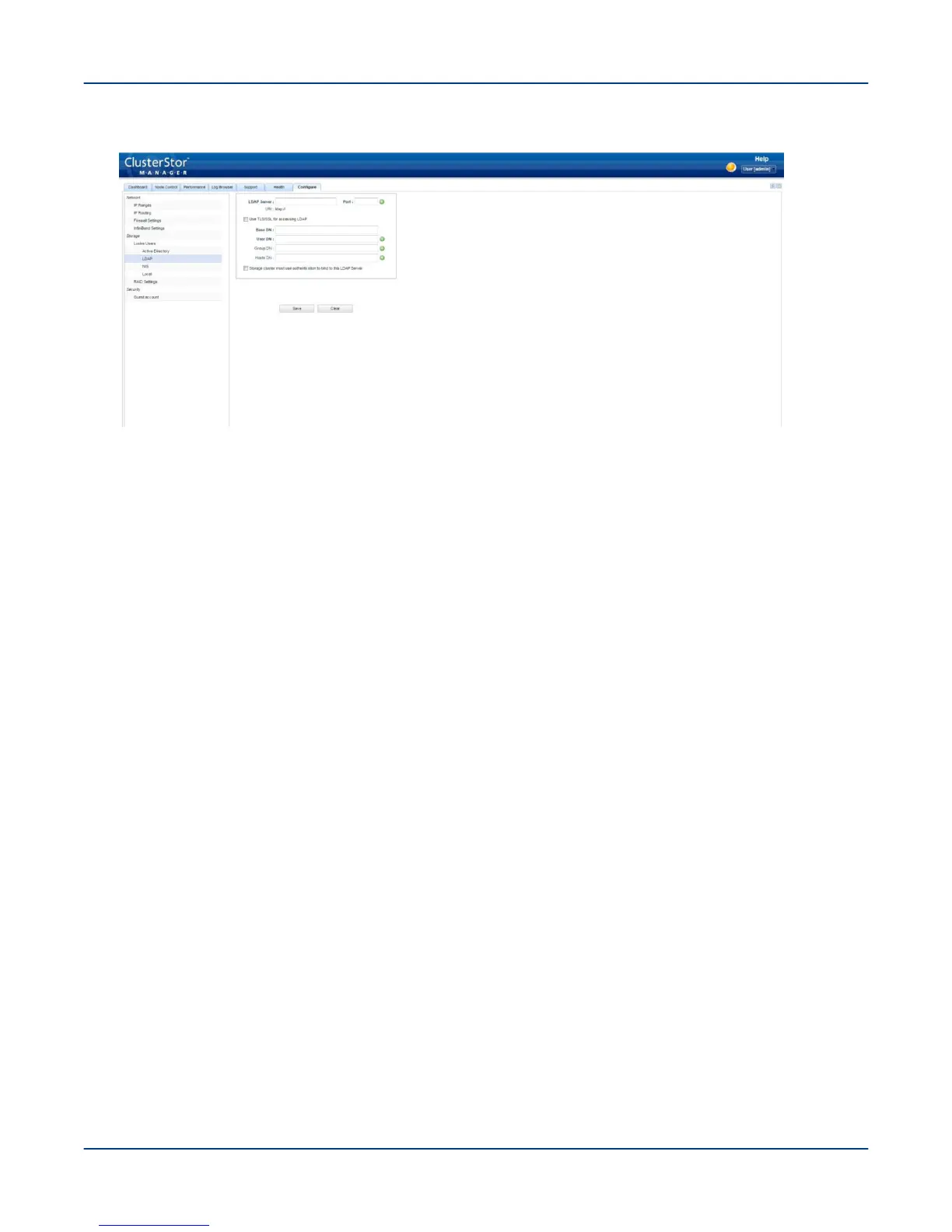
Figure 61. CSM LDAP Screen
2. In the LDAP Server field, enter the LDAP server's hostname or IP address (if not already displayed).
The LDAP server can be specified either as a hostname or as an IP address. ClusterStor L300 and L300N
systems use service discovery (DNS-SD) to query the DNS server and discover the LDAP server's hostname/
IP address. If the system cannot identify the LDAP server, an empty field displays and this value must be
entered manually.
IMPORTANT: If the LDAP server is being specified using the hostname, the DNS must first be
configured.
3. In the Port field, enter the port number value.
The default value of the port is 389. LDAP can be configured to run on a non-standard port, if SSL encryption
is not used. Enter either the specific port number or the default of 389.
IMPORTANT: If TLS/SSL is used with the LDAP server, TLS/SSL port 636 must be used.
4. If needed, specify additional LDAP servers and ports by clicking the green '+' button and entering a valid host
DN value.
Clicking the red '-' button removes the extra LDAP server and port, if required. A maximum of six LDAP
servers and ports may be specified.
Perform the First-Run Configuration
81



 To Next Page