13.4 Run Lustre Validation Tests
Prerequisites
About this task
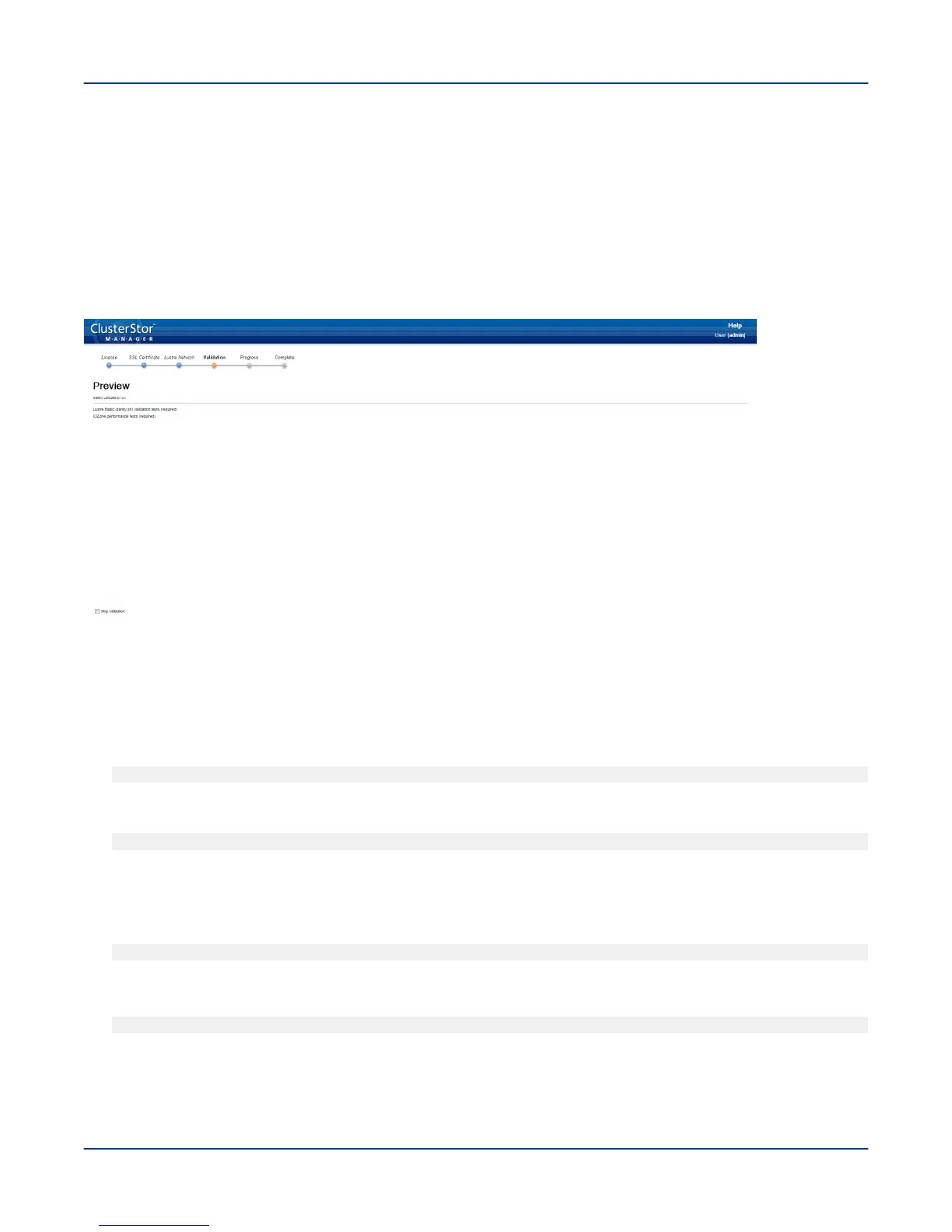
This procedure prepares to run both Lustre basic tests and IOZone performance tests. When the tests complete,
the results display on the progress screen and are available for download.
Figure 55. CSM Lustre Validation Tests Screen
Procedure
If Lustre was Previously Mounted
1. Unmount the file system before running CSM:
[MGMT0]$ cscli unmount -f file_system_name
If a node not unmounted error occurs, check to see what is mounted:
[MGMT0]$ pdsh -a mount | grep -c lustre
2. SSH into the MGS node (n002).
3. Get the resource name for md65:
[admin@n002]$ sudo crm_mon -1r
4. Stop the resource:
[admin@n002]$ sudo stop_xyraid nodename_m65_group
5. Confirm the results:
IMPORTANT: Do not run the command as root user. The command will not reset the password, but
asks for a new one. Save the log messages; they will be deleted with each iteration.
Perform the First-Run Configuration
72



 To Next Page