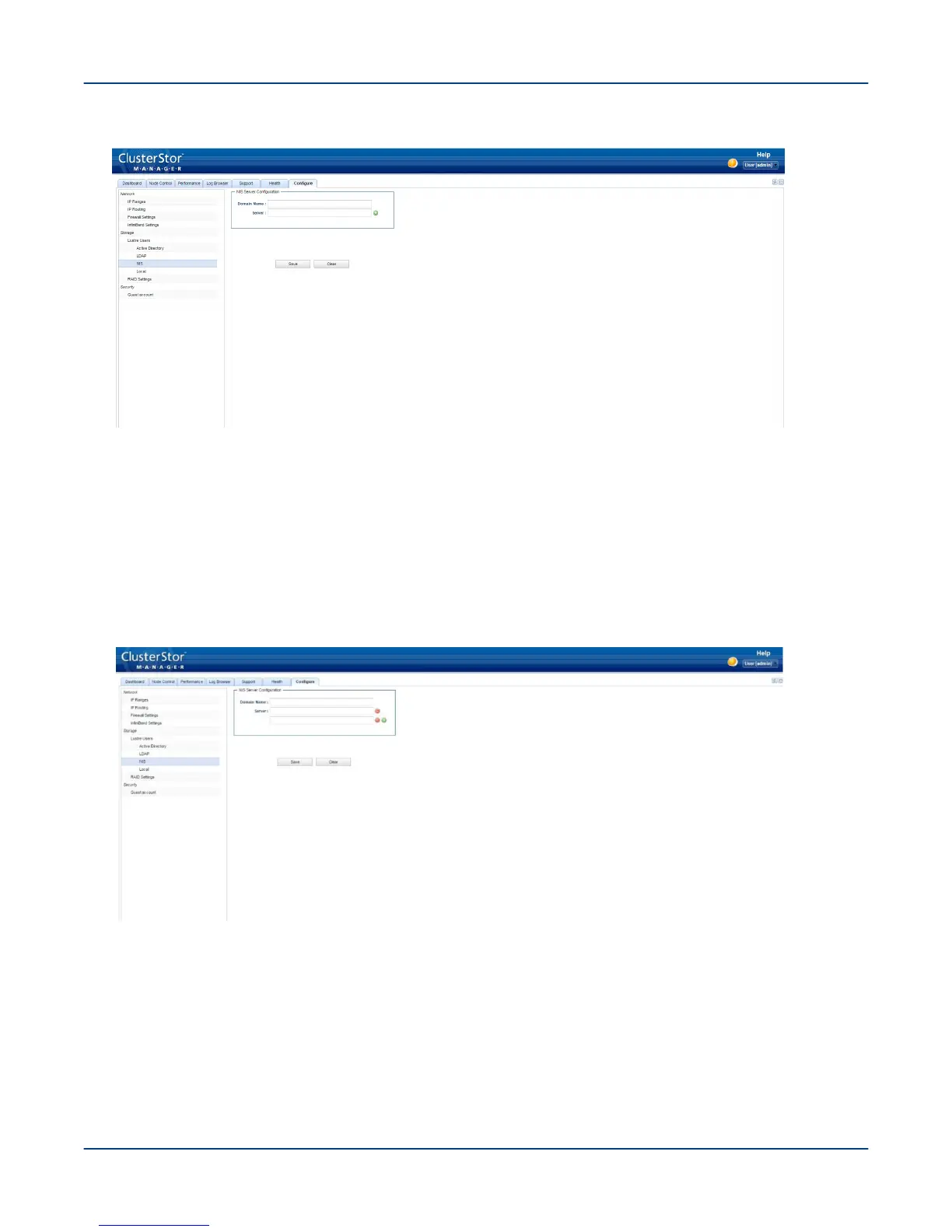
Figure 66. CSM NIS Screen
2. Enter the NIS Domain Name and the NIS Server name.
3. Click the green + button to add more NIS servers.
Specify up to 3 NIS servers.
4. Enter the IP addresses of the server(s) and the NIS Domain name.
Click the red - button to remove NIS servers, if required.
Figure 67. CSM NIS Additional Servers Screen
5. Click Save.
13.7.4
Specify Lustre User Authentication via the Local Screen
Prerequisites
Local has been selected as the Lustre user authentication method for the ClusterStor L300 and L300N system.
Perform the First-Run Configuration
85



 To Next Page