Drive Fault
Power LED (Green): On
Drawer Fault LED (Amber): On
Activity Bar Graph (Green): Off
Cable Fault
Power LED (Green): Off
Cable Fault LED (Amber): On
Activity Bar Graph (Green): Off
Drive Activity
Power LED (Green): On
Fault LED (Amber): Off
Cable Fault LED (Amber): Off
Drawer Fault LED (Amber): Off
Activity Bar Graph (Green): On
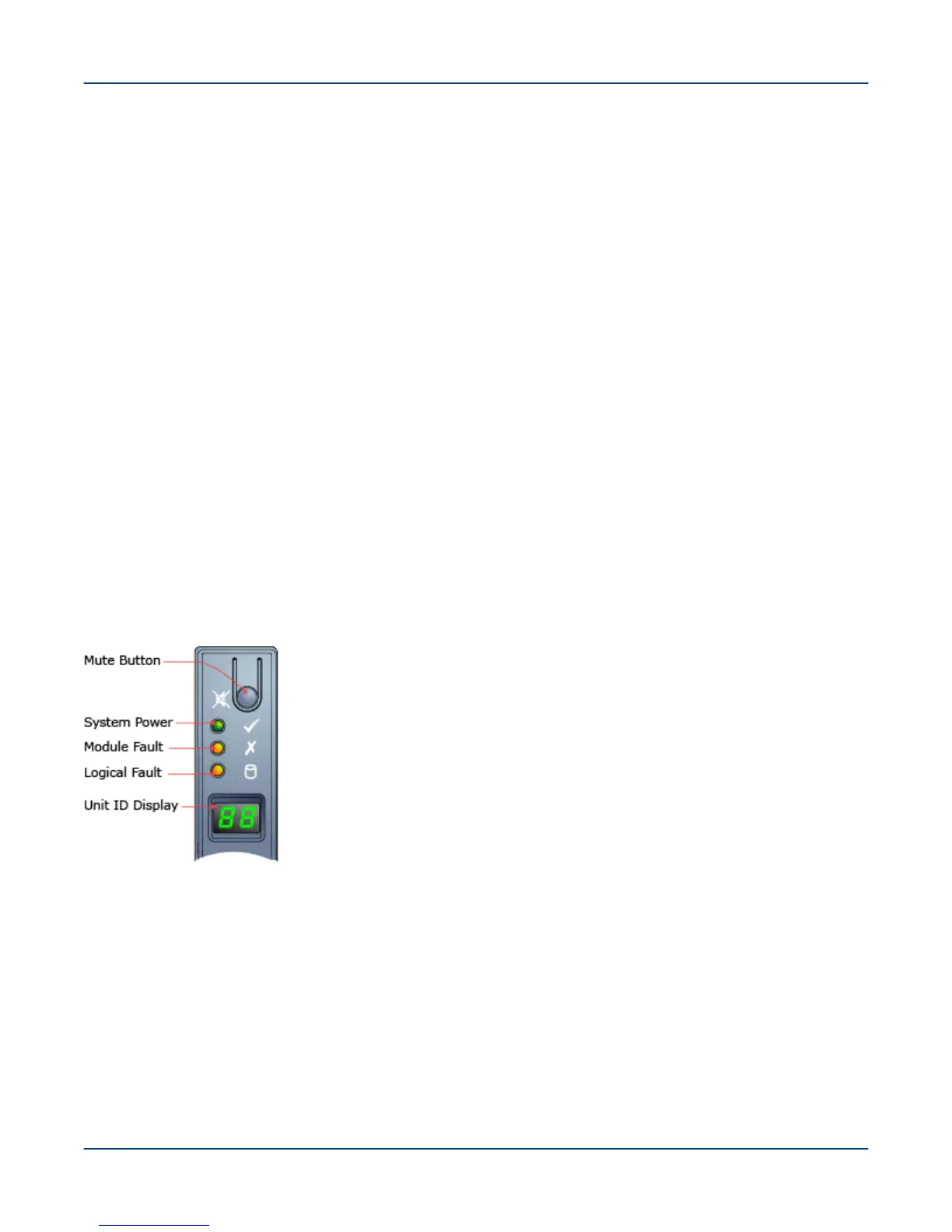
16.4.3 Operator Control Panel - 2U24
The front of the ClusterStor L300 and L300N 2U24 enclosure incorporates an operator’s control panel (OPS) with
three LEDs and the Unit ID LCD display. The OPS panel provides a consolidated view of the operational status of
the enclosure components and the enclosure's assigned ID, plus an alarm mute button.
Figure 83. ClusterStor L300 and L300N Operator’s Panel - 2U24
System Power (Steady Green)
AC Power is applied to the enclosure
Module Fault (Steady Amber)
● Power Cooling Module fault
● EAC fault
● EBOD module fault
● Over or under temperature fault condition
Refer to individual module fault LEDs.
Reference
123



 To Next Page