Product Manual — Doc. 8550E TSW-70Series • 183
Room Scheduling
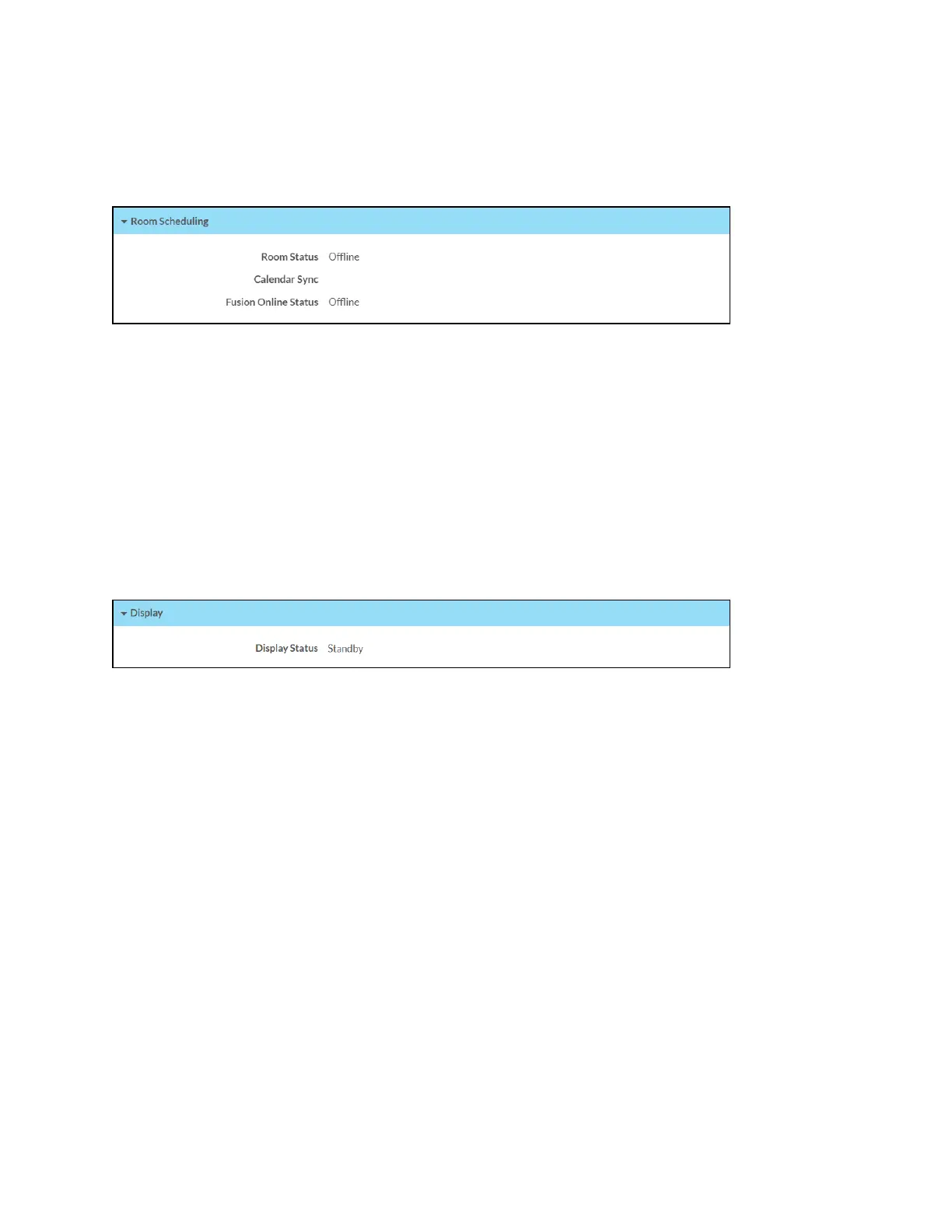
Click Room Scheduling to view the status of the room if using a room scheduling application.
Status Tab - Room Scheduling
The following Room Scheduling information is displayed:
l
Room Status: The status of the connected room (available or reserved)
l
Calendar Sync: The status of the sync between the touch screen and the room scheduling
calendar
l
Crestron Fusion Online Status: The status of the Crestron Fusion connection (if
applicable)
Display
Click Display to view the display status.
Status Tab - Display
The Display Status field indicates the display status (on, standby, or screensaver).



 To Next Page
 Loading...







