55
Notification panel
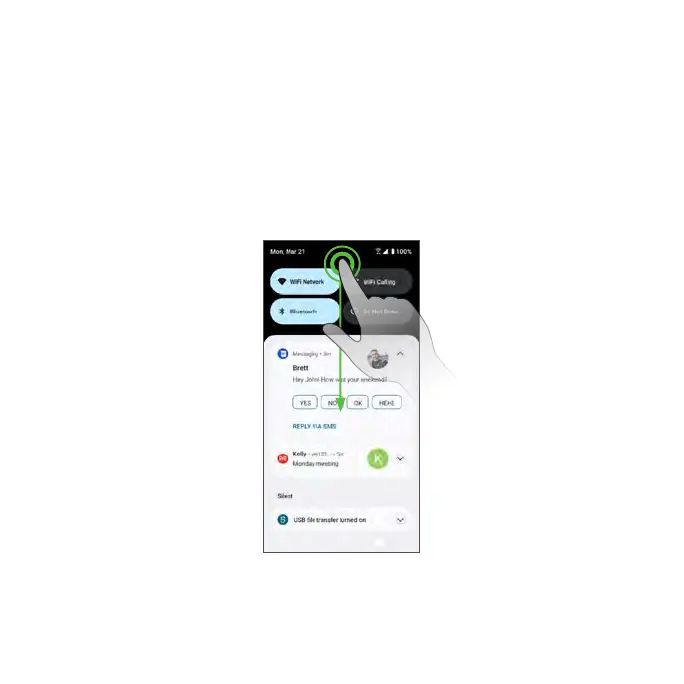
Your phone’s notifications appear at the left side of the Status bar. Access the
full Notification panel by dragging down the Status bar to check notifications,
download updates, open messaging apps, access the Quick Settings menu,
and more.
Open the Notification panel
1. Swipe down on the Status bar.
2. To check notifications, tap an item in the list.



 To Next Page