56
Close the Notification panel
Swipe up to close the Notification panel, or tap the Back button .
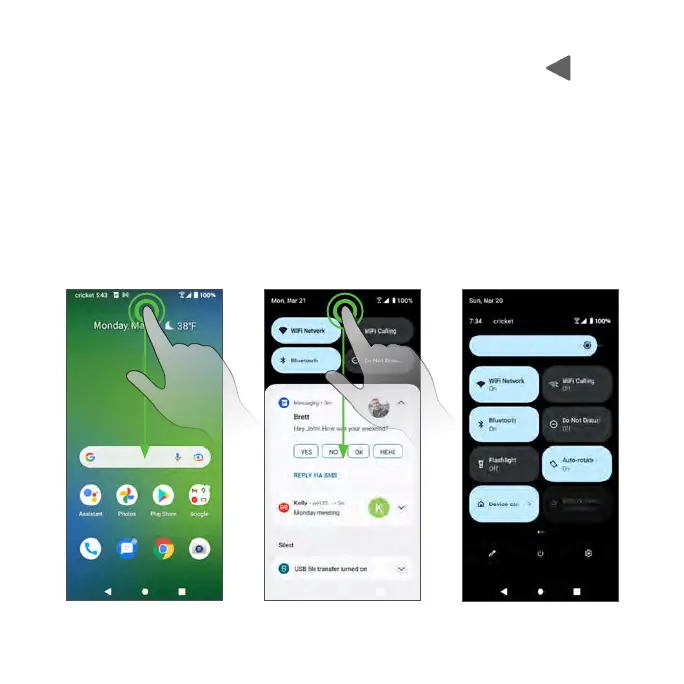
Notification panel layout
The Notification panel gives you access to both notifications and the Quick
Settings menu.
To access the Quick Settings menu:
1. Swipe the Status bar down to display the Notification panel.
2. Swipe the Status bar down again to access the full Quick Settings menu.



 To Next Page