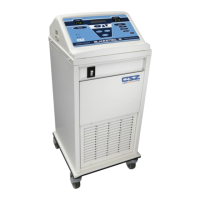
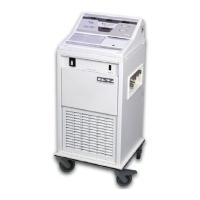
FIELD REPAIR/SERVICE MICRO-TEMP
®
LT, Model 749
OPERATION AND TECHNICAL MANUAL
Page 57 of 75
K. Reinstall the left side of the board with internal tooth washer, ground wire, and nylon
locknut. Secure right side of board with plastic nut.
L. Reinstall control board.
M. Secure control board to front enclosure with seven 6-32” Phillips head screws.
Note: Insert the short screw into the hole at the bottom right of the control board (near the
J6 Position of the board).
N. Reattach cables to control board. Refer to Section (5-2.3).
O. Reconnect front and rear enclosure as described in Section (5-2.2).
P. Refill the reservoir as described in Section (4-2.2).
5-12. TROUBLESHOOTING GUIDE
A. Unit will not turn on.
Unit not plugged into
proper voltage supply.
Plug unit into proper
voltage supply. See
Section (7) for electrical
specifications.
Replace fuse. Refer to
Section (5-9).
Improper connections to
control board.
Correct connections to
control board. Refer to
Section (5-2.3).
B. Unit turns on but
will not pump.
Add more water to the
reservoir.
Place the unit on a level
surface.



 To Next Page