Chapter 9: Initial configuration
Orange — At least one module, sub module or the enclosure itself is experiencing a trouble
condition.
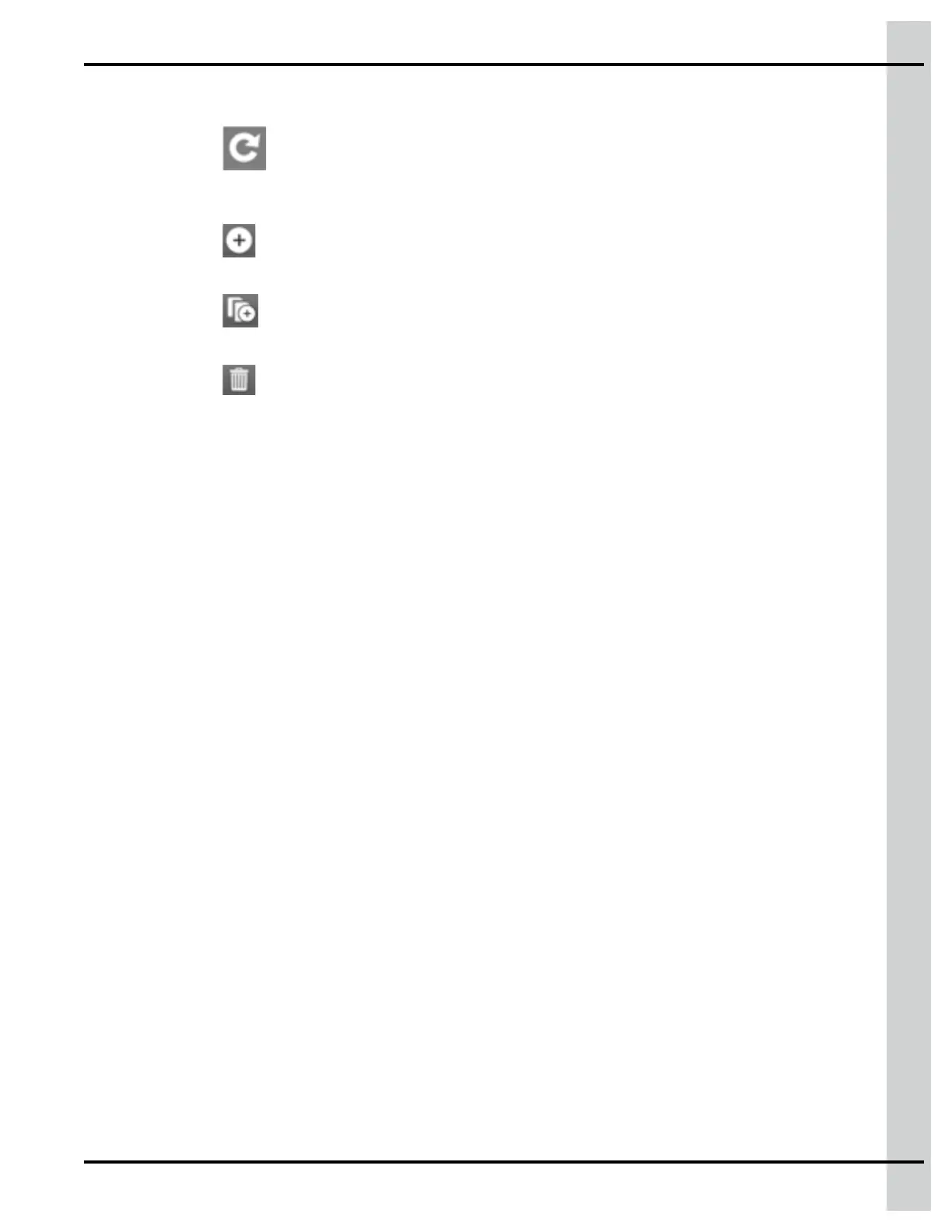
2. Press on the
icon to force the discovery of expansion boxes and modules that have not been
detected on the EDGE network. This function can be used after having fixed a problem that had
made modules invisible to the controller on one of the two EDGE networks.
3. Press on the
icon to add an Expansion Box. This function is used for offline configuration or to
indicate that an existing Expansion Box has not been discovered on the network by the system.
4. Press on the
icon to duplicate the Expansion Box information. This icon is used for offline con-
figuration to duplicate an enclosure and its set of modules.
5. Press on the
icon to delete an Expansion Box.
Deleting an Expansion Box has the following effect:
• All associated plug-in modules are deleted
• All associated equipment lose their input/output assignation - their corresponding tile in the
equipment configuration page becomes grey
NOTE: If there is equipment associated with any module within the Expansion Box, the delete oper-
ation is not allowed and you are prompted to unassign the inputs and outputs of the equip-
ment prior to attempting a deletion.
890–00687 EDGE 2
101



 To Next Page