Chapter 8: Software version and configuration file management
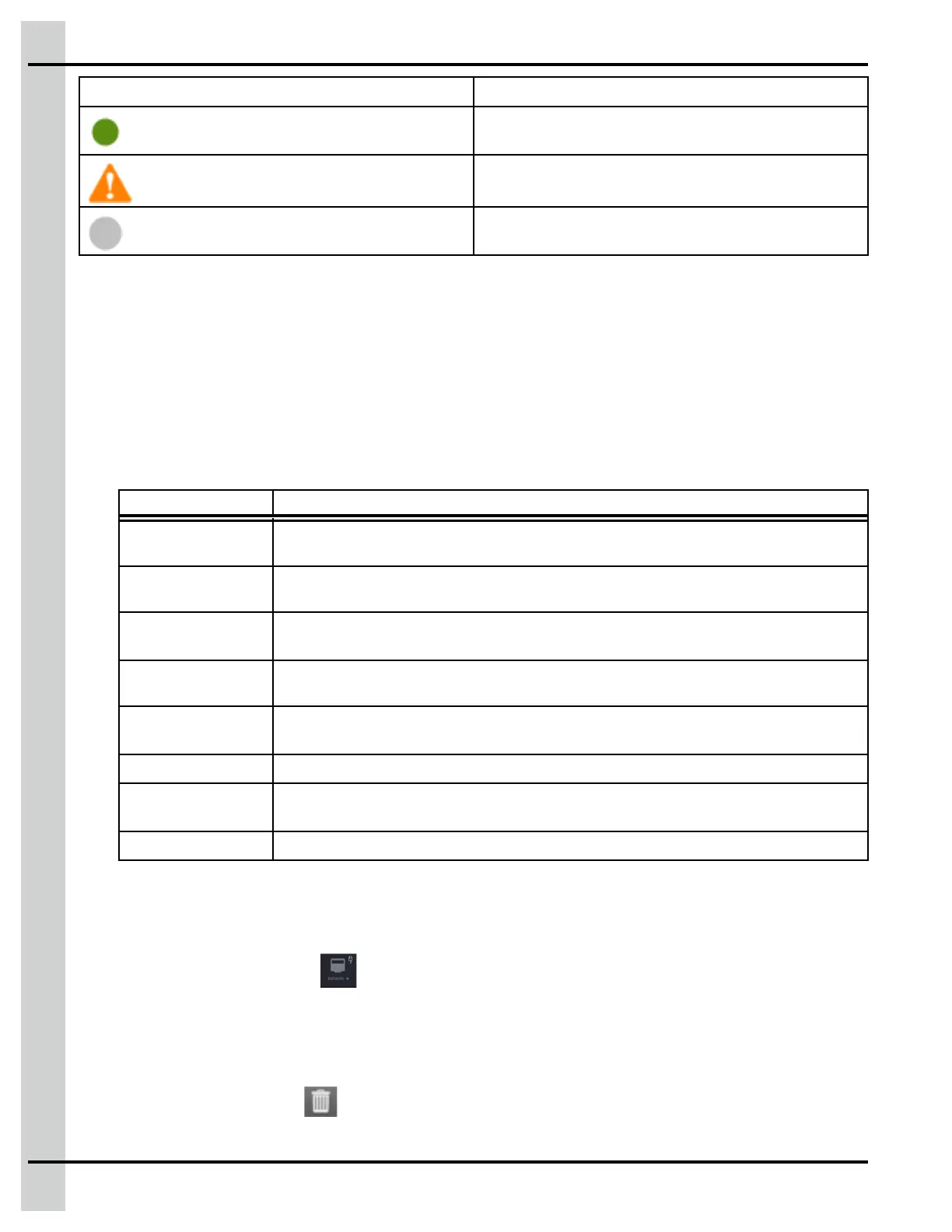
Icon Meaning
It is working and no update available
The components with an icon beside them are out
of date
Not detected
4. Press on the file you would like to use. You can only choose one file at a time from either the USB
stick or a previously uploaded file.
5. Press on Update if you want to update the component, or press on Restart if you want to reboot
the EDGE Main Controller or selected Expansion Box.
Managing system configurations
1. Press on the system icon from the main page, and then press on System configuration.
2. Press on the button corresponding to the action you would like to perform:
Button Description
Import
Configuration
User is prompted to select a Configuration file from either local disk or USB memory
stick.
Import Contact
List
User is prompted to select a Contact List file from either local disk or USB memory
stick.
Export Current
Configuration
User is prompted to enter a file name. Exports the Configuration file on a USB
stick with all system’s serial numbers.
Export Current
Contact List
Makes export popup appear. Exports the (encrypted) contact list and information on
a USB stick.
Profile
Configuration
Saves the network profile.
Export Log
Makes export popup appear. Exports the Logs on a USB stick.
Delete Current
Configuration
Delete the current controller configuration.
Restart Controller Force a rebooting of the controller.
3. Press on the configuration file you would like to load, rename, or delete.
Deleting a module
1. Press on the Network icon at the top of the screen.
2. Select Module detection in the drop down menu.
3. Select the Expansion Box containing the module you want to delete, and then select the module you
want to delete.
4. Press on the delete icon
.
96
890–00687 EDGE 2



 To Next Page