Chapter 7: Getting started
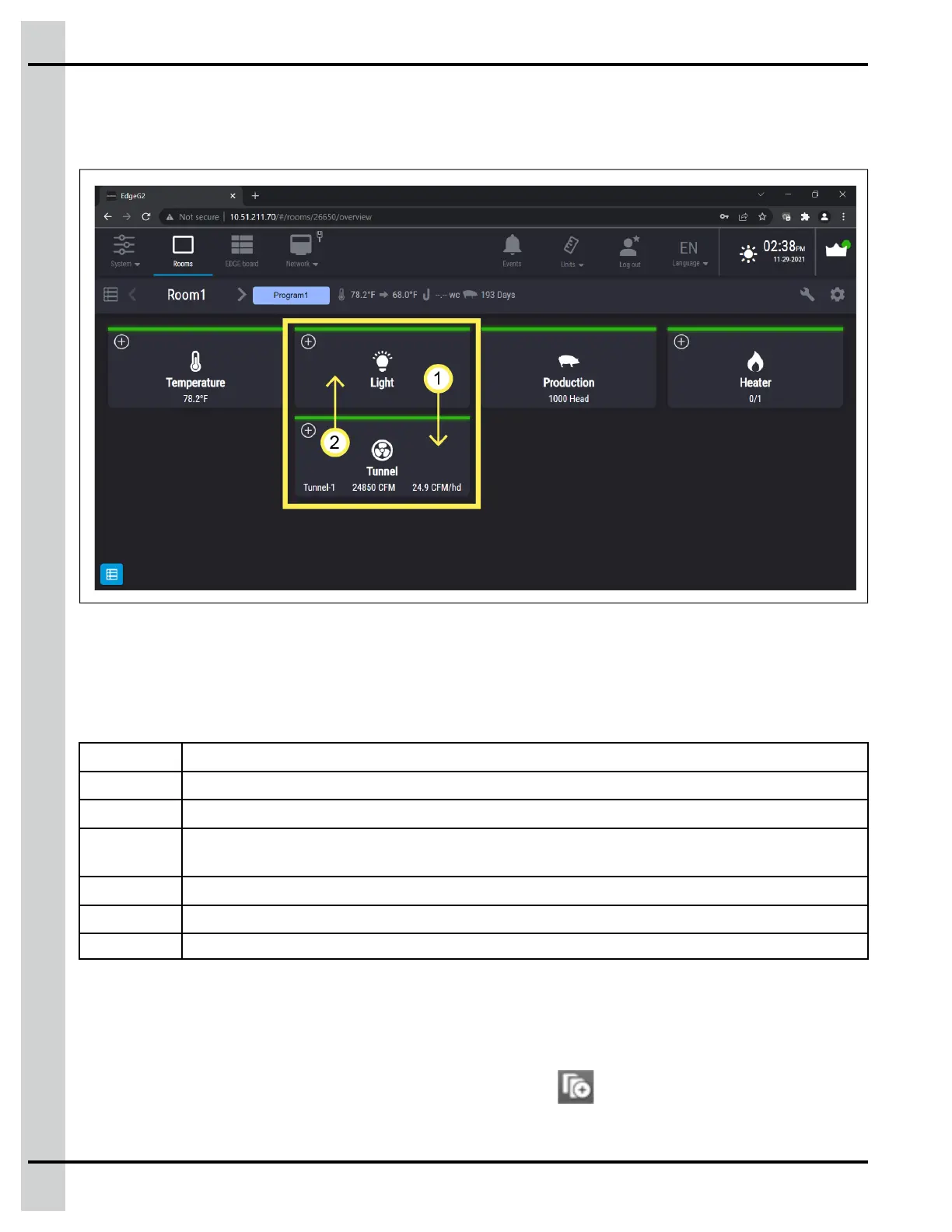
Moving Tiles
EDGE allows you to move the Tiles to order them according to your needs.
Figure 7-5 Moving Tiles
NOTE: This feature is also available in the virtual mode.
Color coding
A logical color scheme is used as a visual cue to draw your attention to a particular area or parameter on
the user interface.
Yellow Designates bypass or manual mode
Red Designates that an alarm is present
Orange
Designates that a trouble is present
Grey When configuring, it means the configuration isn’t complete. When on the main screen, it means
everything is in a normal state
Green Designates equipment is configured and working correctly
Blue Designates clean mode
Brown Pre-heat mode
Copying, pasting, or duplicating information
To speed up the configuration process, you can use the copy and paste button to copy equipment infor-
mation or even entire rooms. Only the information that is different is left to complete.
1. Completely configure an input or output, then press on the
icon.
92
890–00687 EDGE 2



 To Next Page